Category: 3D Printing

  • 7 Common 3D Print Failures and How to Fix Them

    7 Common 3D Print Failures and How to Fix Them

    Every 3D printer owner knows the sinking feeling: you set up a print, walk away, and come back to a mess of tangled filament — or worse, a beautifully started object that warped, cracked, or just fell off the bed halfway through. Failed 3D prints are frustrating, but the good news is that most failures follow predictable patterns with straightforward fixes.

    Whether you are running an FDM printer at home in Bengaluru or managing a small print shop in Pune, these seven failure types cover the vast majority of problems you will encounter. Work through this list and you will dramatically cut your failure rate.

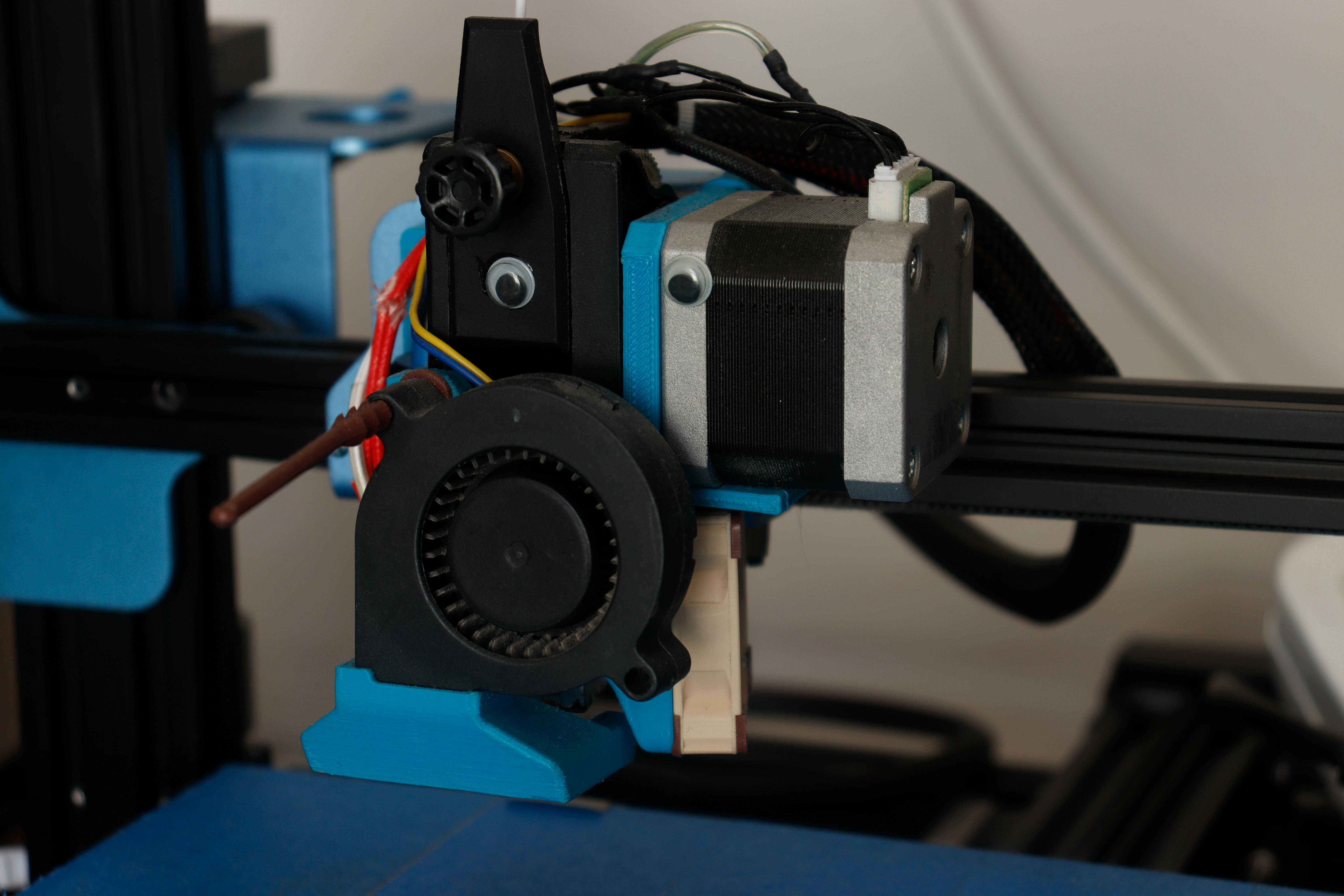
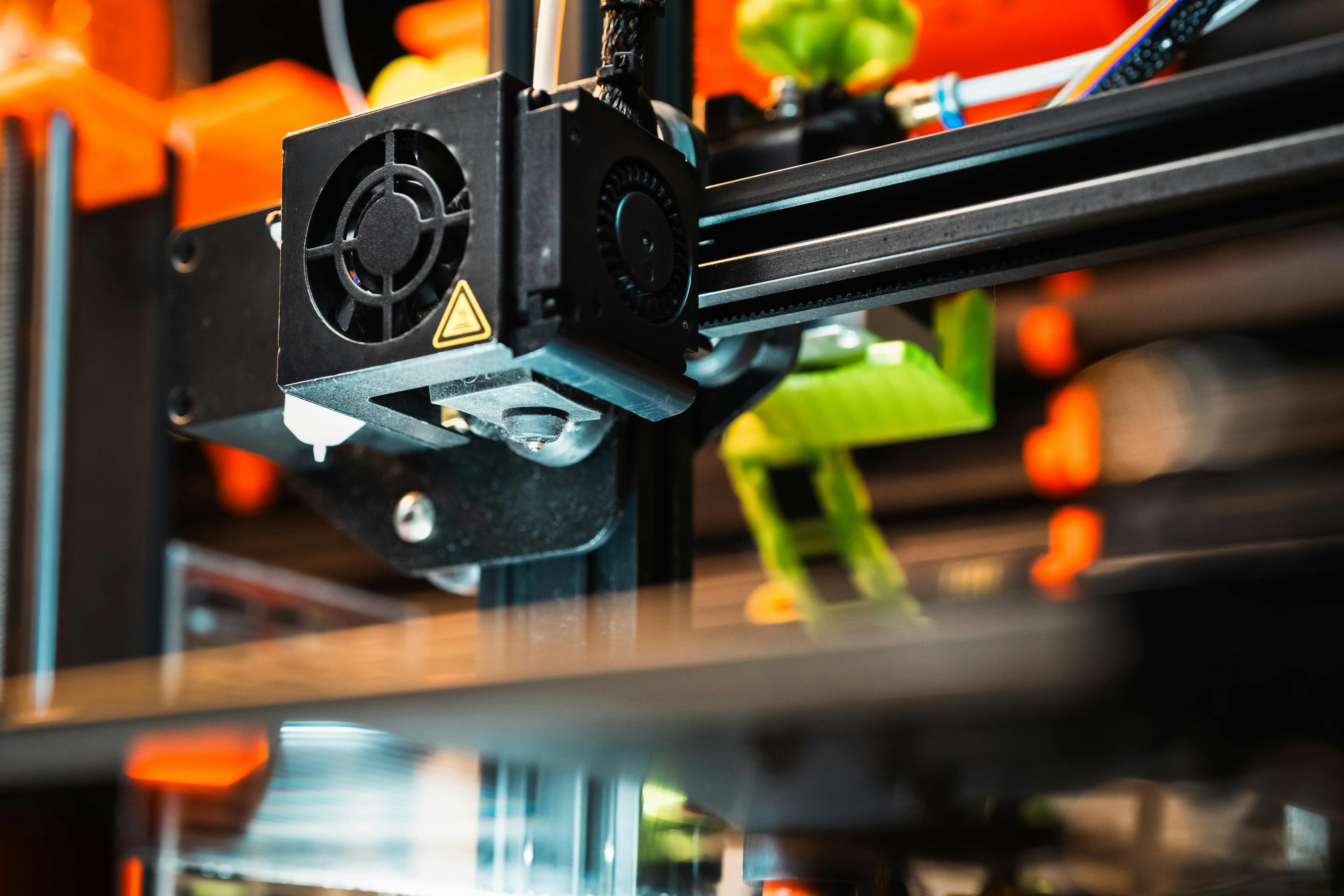
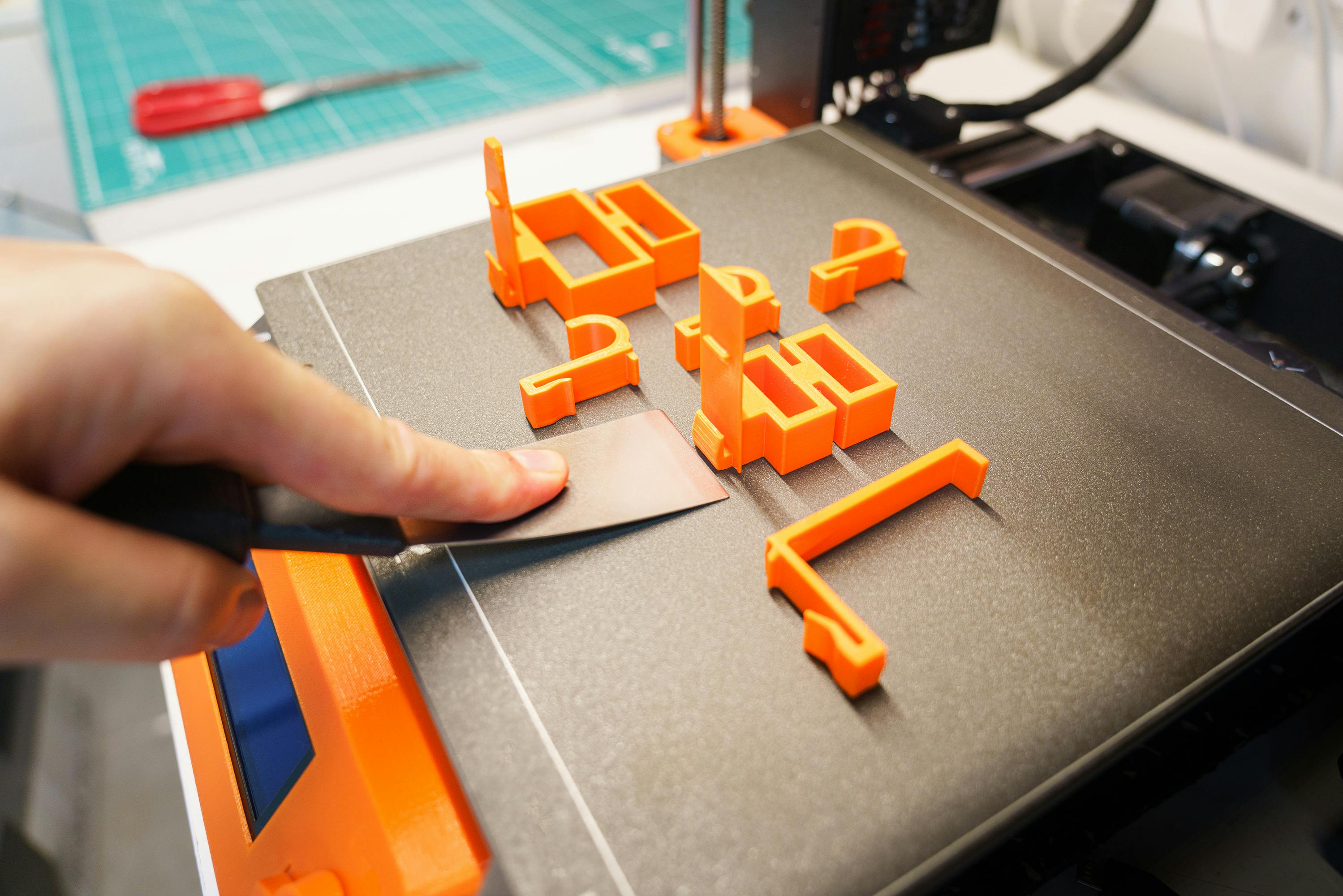
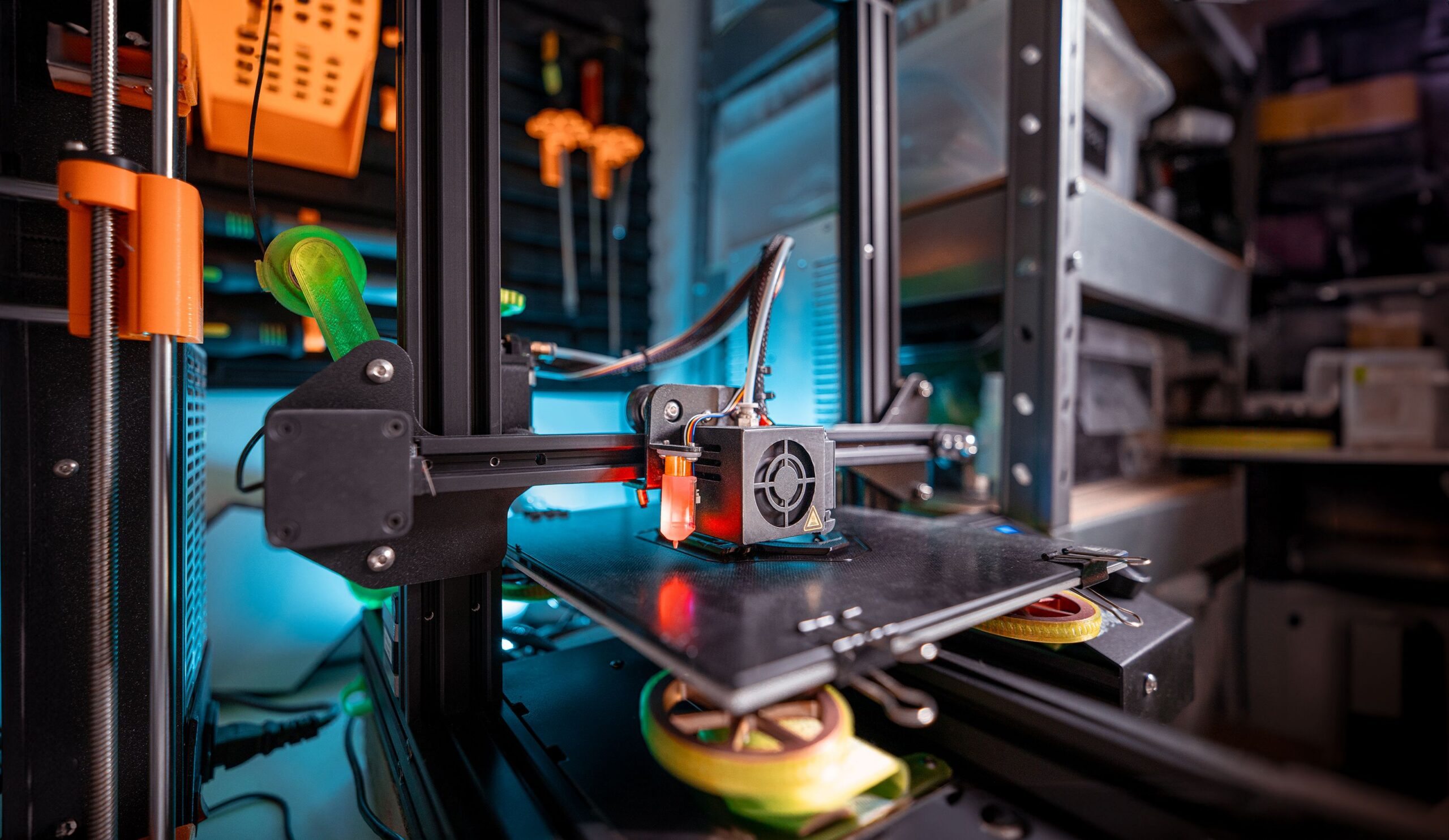
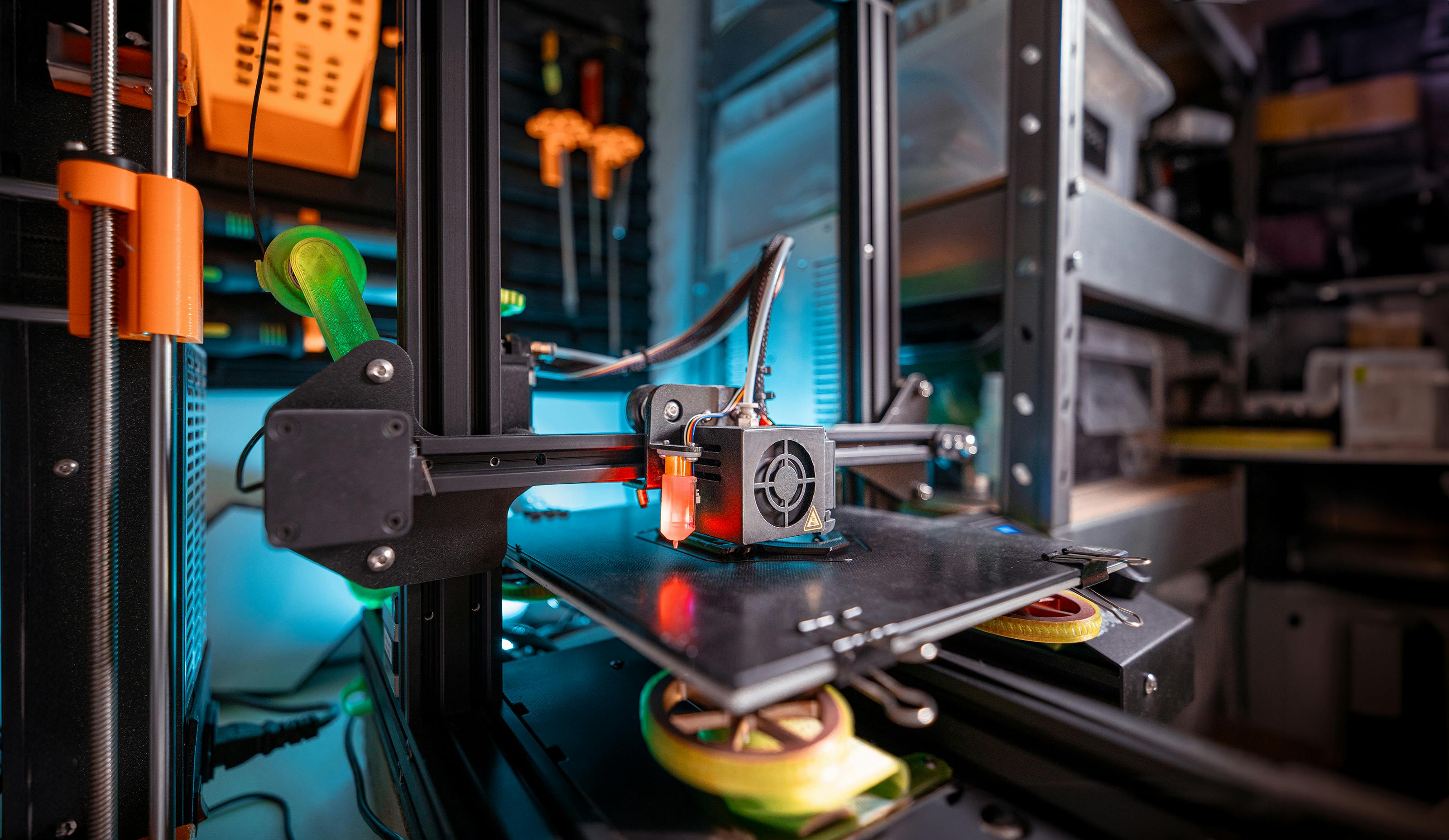
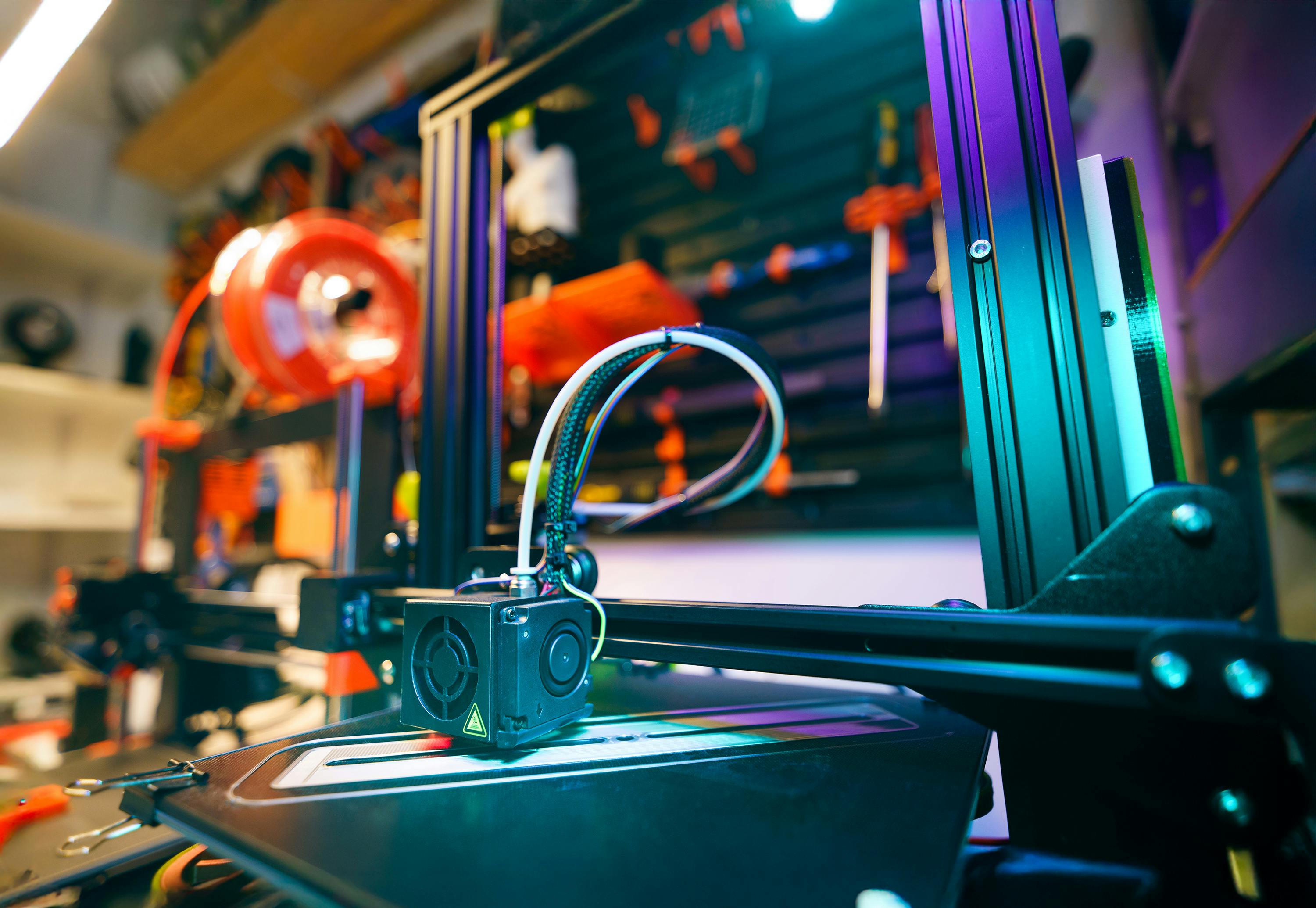
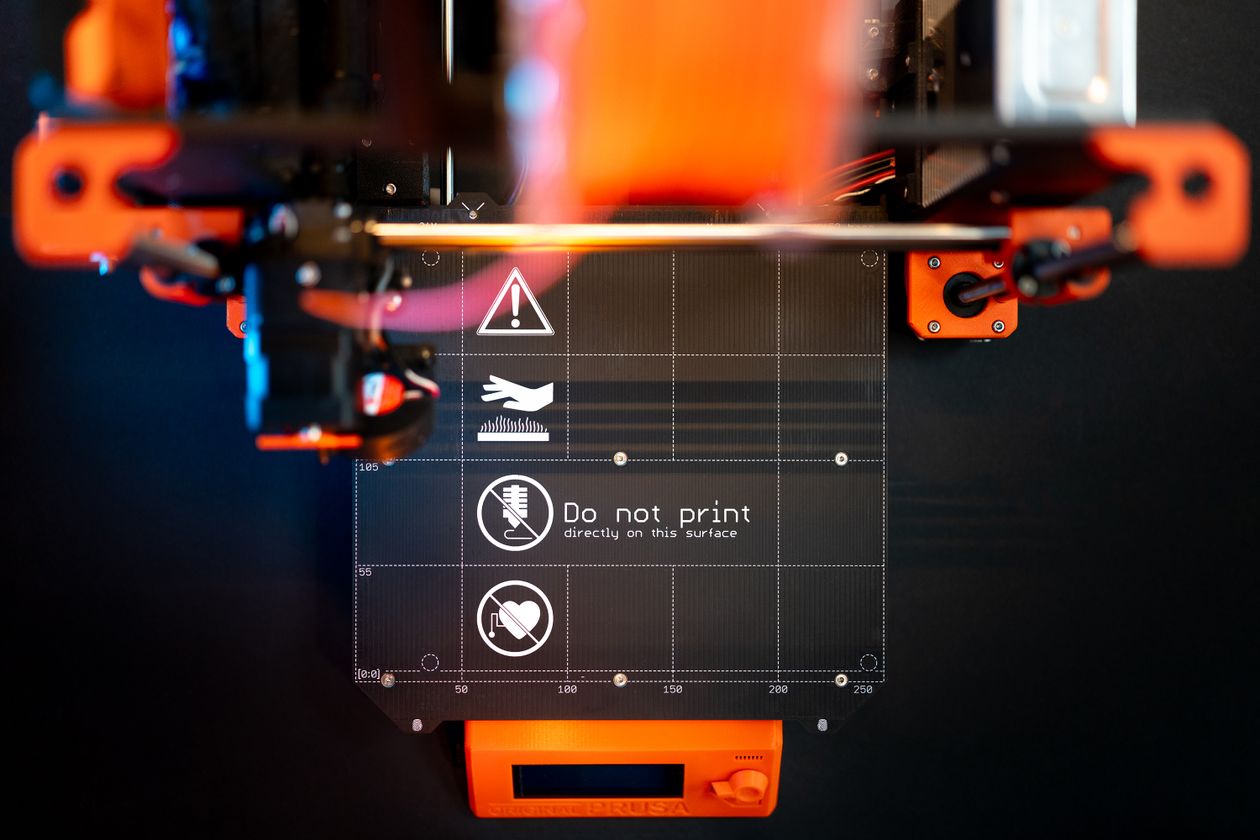
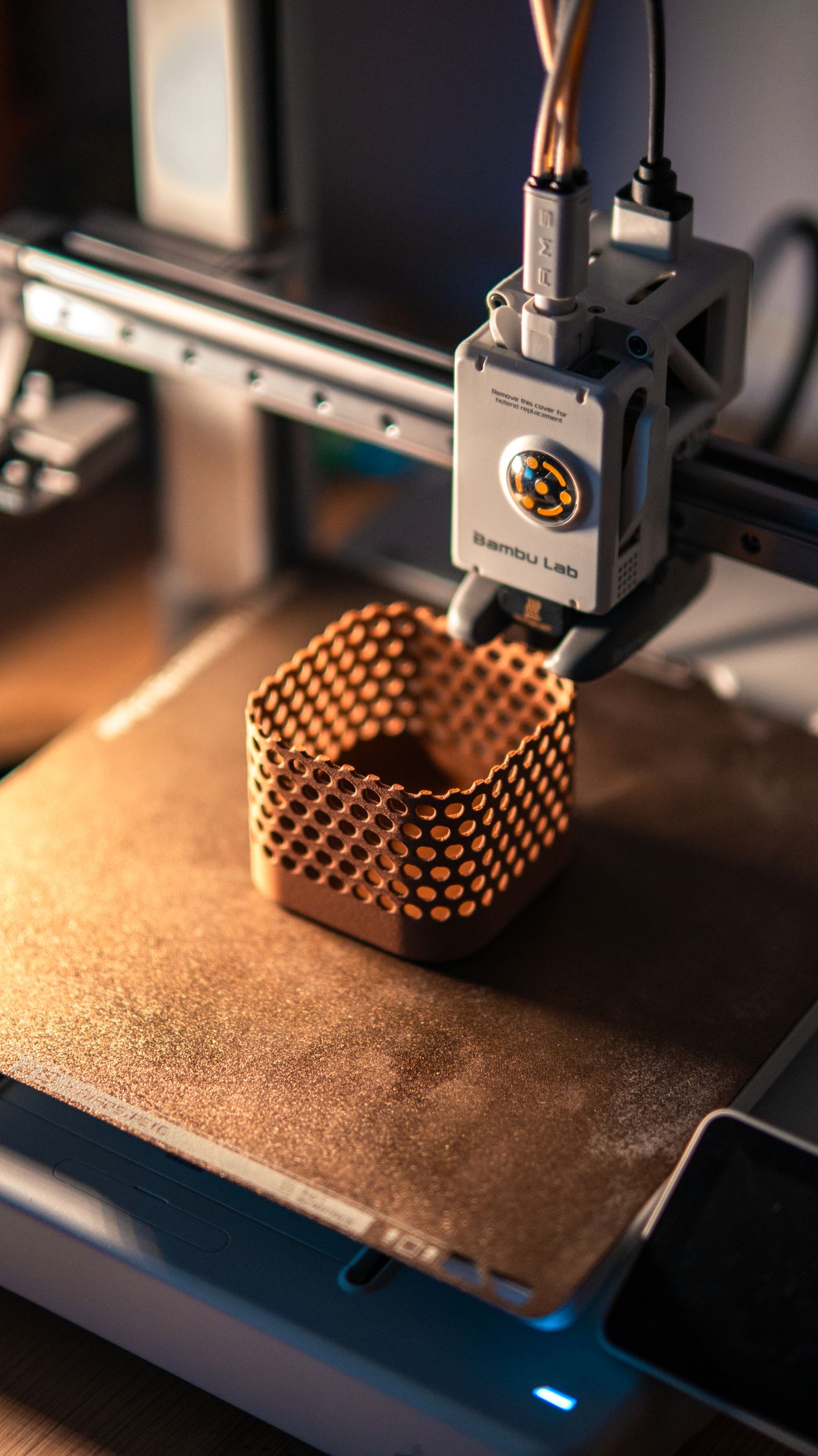
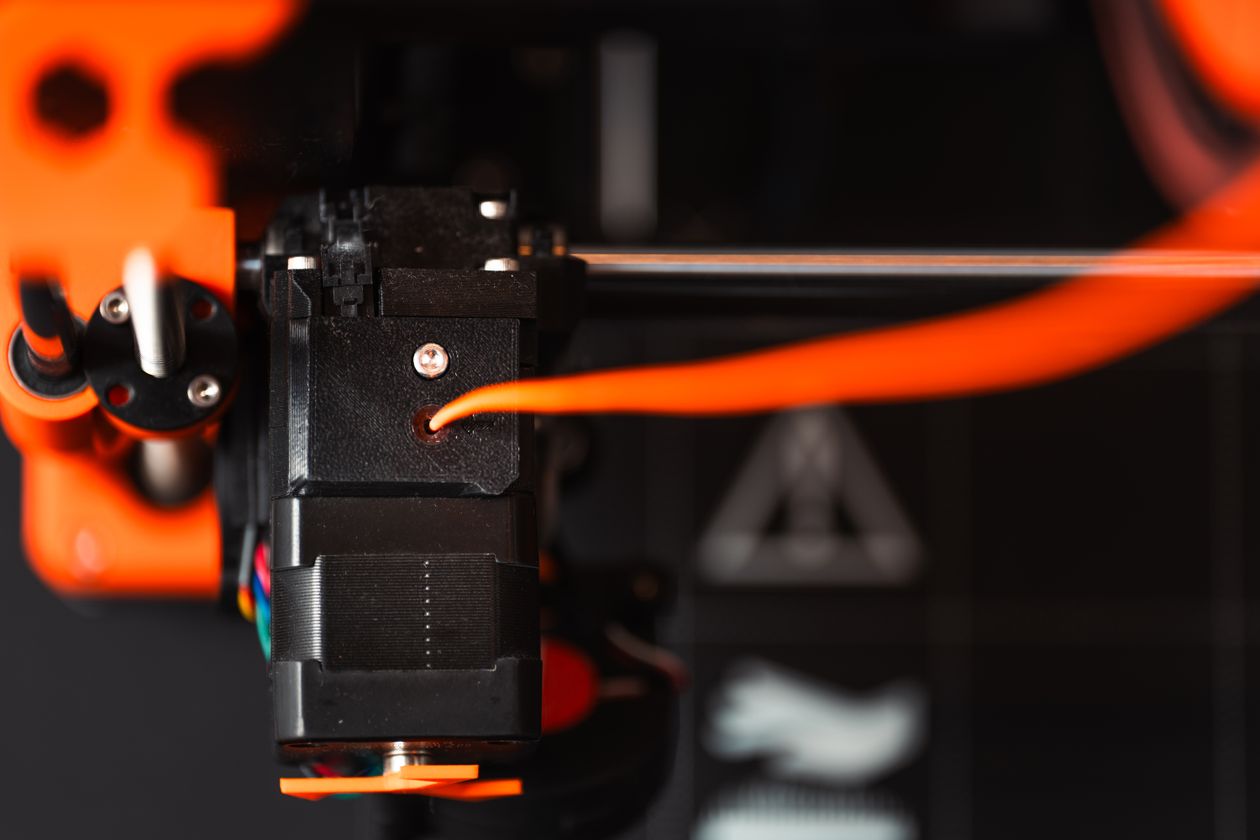
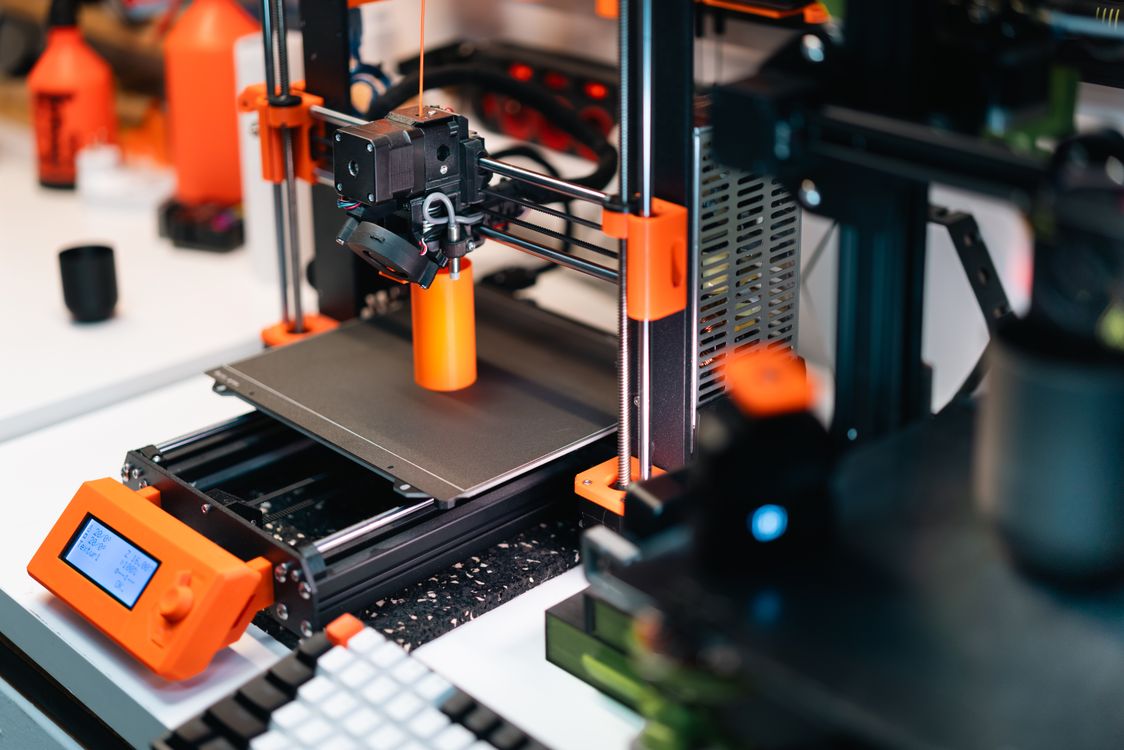
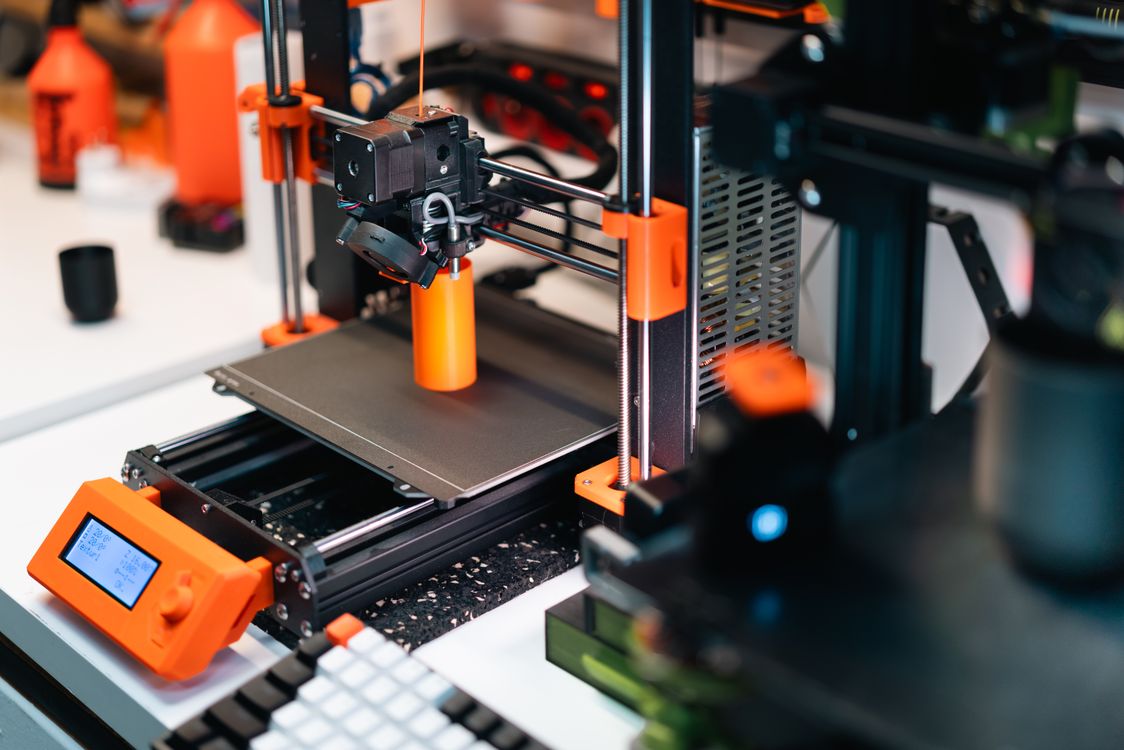
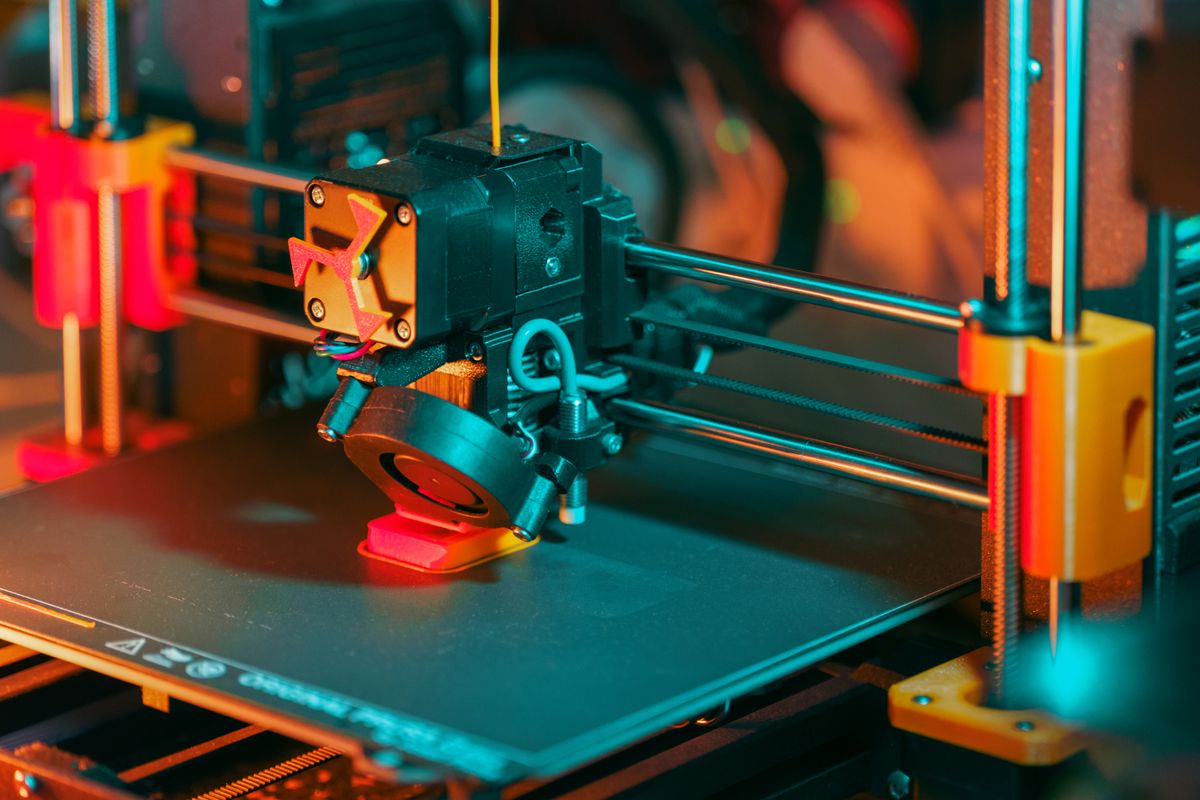
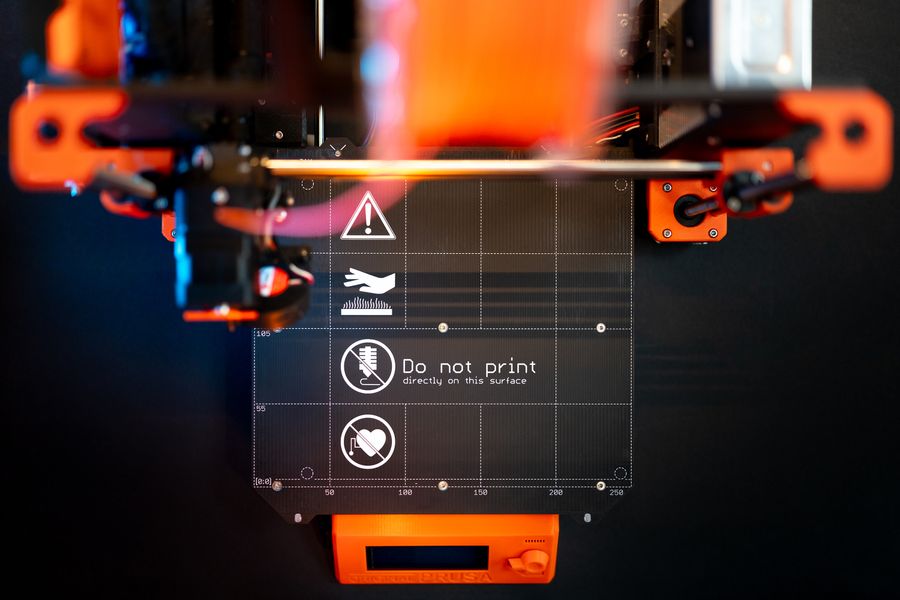
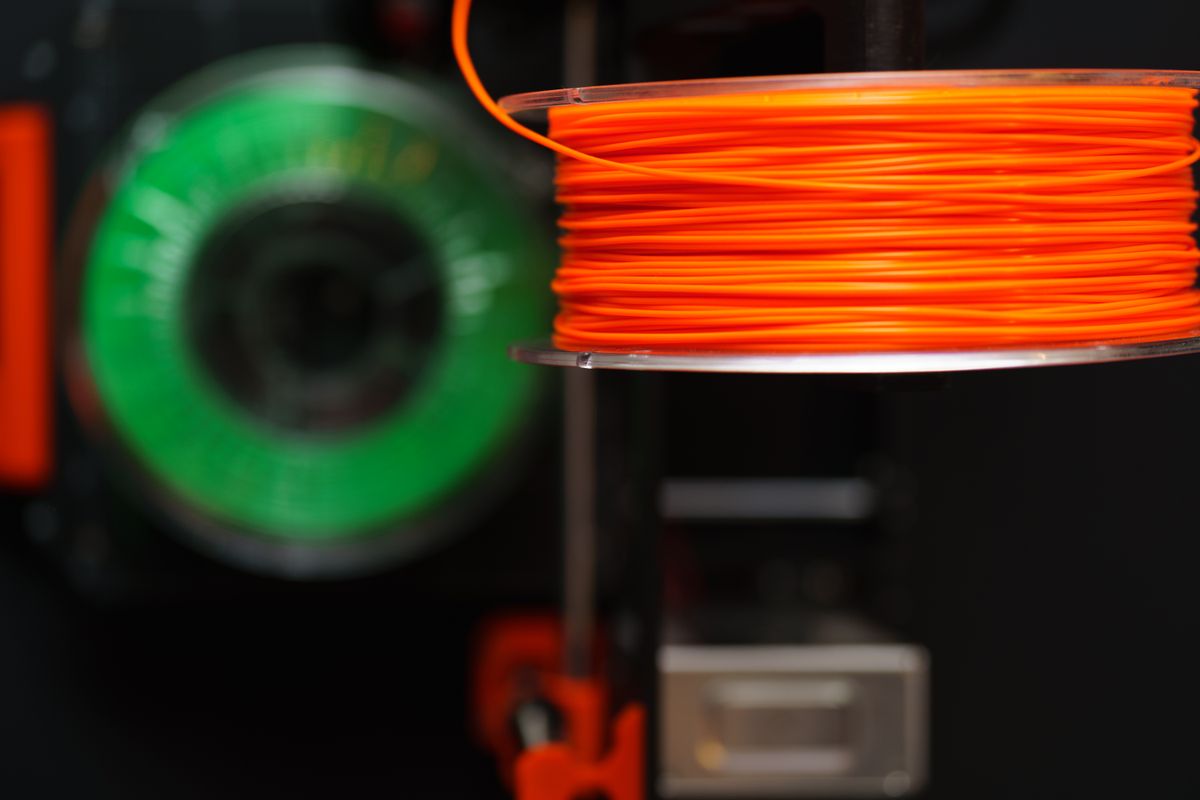
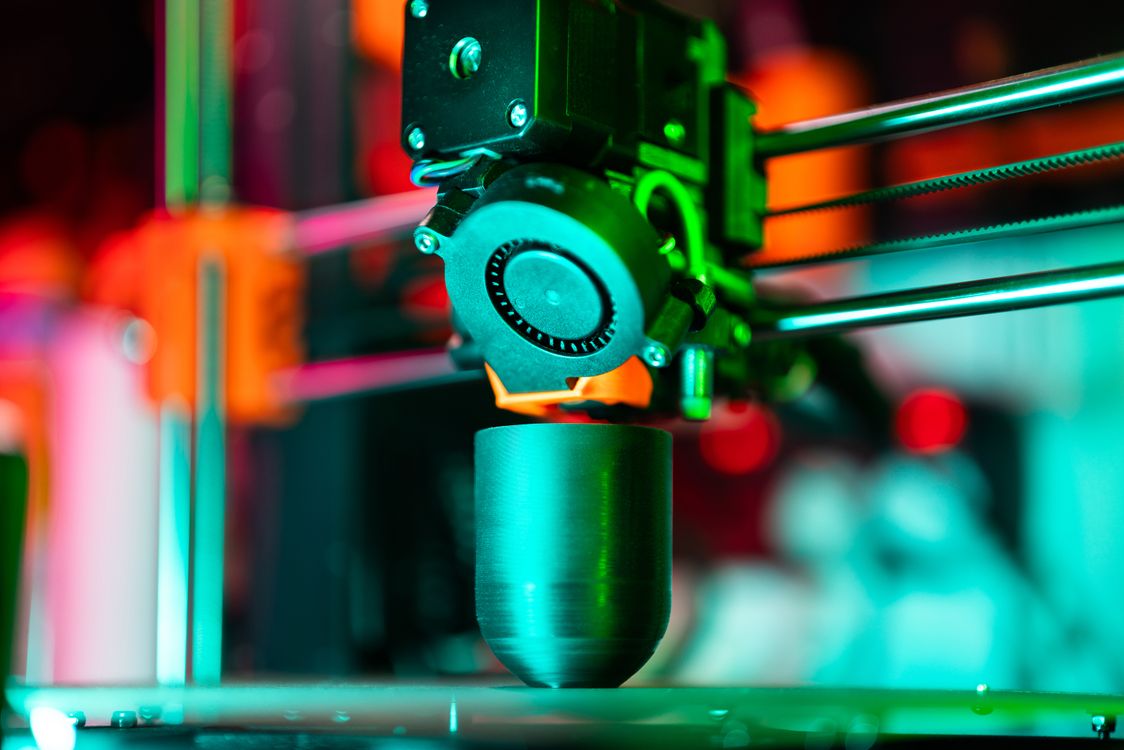
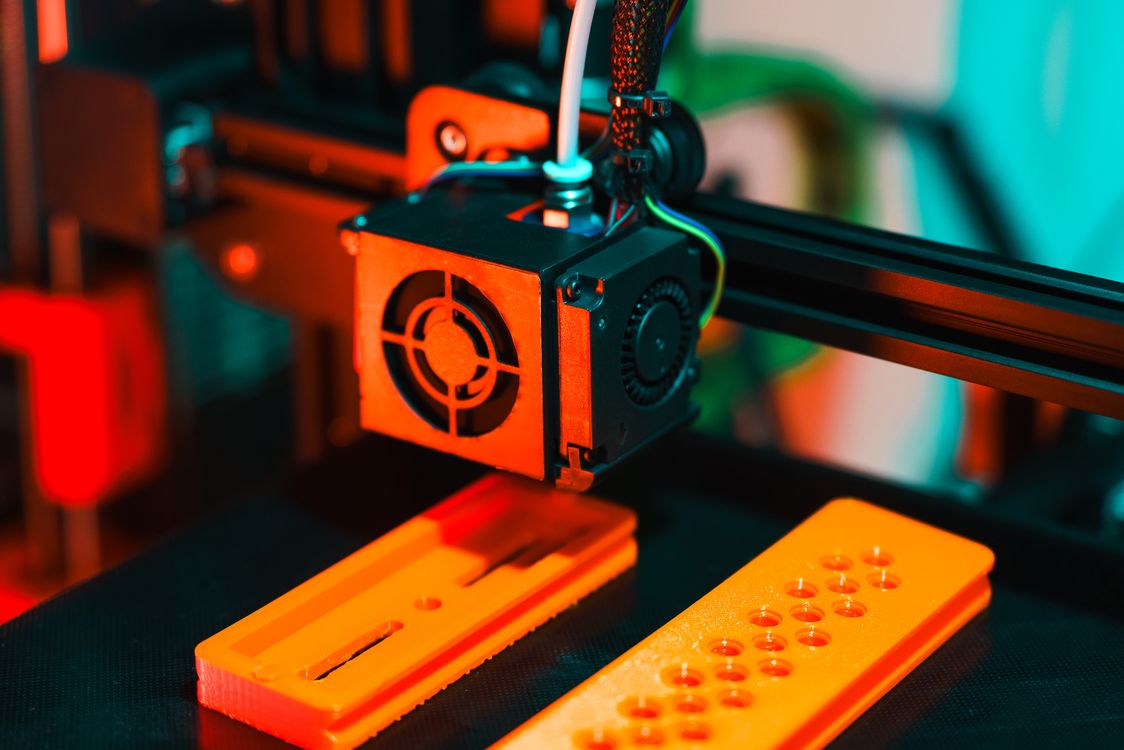
    Close-up of a 3D printer extruding orange plastic filament
    Close-up of a 3D printer in action. Photo by Jakub Zerdzicki on Pexels

    1. Warping and Poor First Layer Adhesion

    What it looks like: The corners or edges of your print lift off the bed while printing. Sometimes it shifts mid-print, sometimes you find the whole bottom warped once it cools.

    Why it happens: Temperature difference between the hot extruded plastic and the cooler environment causes the material to contract and pull away from the bed. ABS is especially prone to this, but PLA can warp too when conditions are off.

    How to fix it:

    • Level your bed carefully — a slightly uneven surface is the most common culprit
    • Apply a thin layer of glue stick or hairspray to the print surface before starting
    • Set your bed temperature correctly (60–65°C for PLA, 90–110°C for ABS)
    • Add a brim in your slicer to increase the contact area on the first layer
    • Reduce cooling fan speed for the first few layers

    2. Stringing and Oozing

    What it looks like: Fine threads of filament stretch between separate parts of your print — like a plastic spider web you did not ask for.

    Why it happens: The nozzle oozes melted filament as it moves between print areas without depositing material. This is usually a temperature or retraction settings problem.

    How to fix it:

    • Lower your printing temperature by 5°C increments until stringing reduces
    • Increase retraction distance in your slicer (start with 1–2 mm for direct drive, 4–6 mm for Bowden)
    • Increase retraction speed
    • Enable combing mode in your slicer so the nozzle travels over already-printed areas
    • Dry your filament — wet filament is a hidden stringing cause (more on this below)

    3. Layer Delamination and Cracking

    What it looks like: Layers separate from each other horizontally, or you see cracks running through the print. The model feels fragile and splits apart easily.
    Why it happens: The extruded plastic is not hot enough or is cooling too fast to bond properly to the layer below it. Printing too fast makes this worse.

    How to fix it:

    • Raise your nozzle temperature by 5–10°C
    • Reduce print speed, especially for wall perimeters
    • If you are in an air-conditioned room or near a fan, block the draft — sudden cooling breaks inter-layer bonds
    • Consider printing ABS inside an enclosure to retain heat

    4. Clogged Nozzle

    What it looks like: Little or no filament coming out of the nozzle. The extruder motor may be clicking or grinding. Prints come out with gaps, weak walls, or stop extruding entirely.

    Why it happens: Debris or carbonised filament builds up inside the nozzle and partially or fully blocks the melt zone. Switching between materials without proper purging is a common trigger.

    How to fix it:

    • Try an atomic pull (cold pull): heat the nozzle to printing temp, push filament through manually, then let it cool to around 90°C and pull it out sharply. Repeat until the pulled filament tip comes out clean.
    • Use a 0.35 mm nozzle cleaning needle to probe the opening while hot
    • If the clog persists, remove and soak the nozzle in acetone (for ABS) or replace it — nozzles are inexpensive
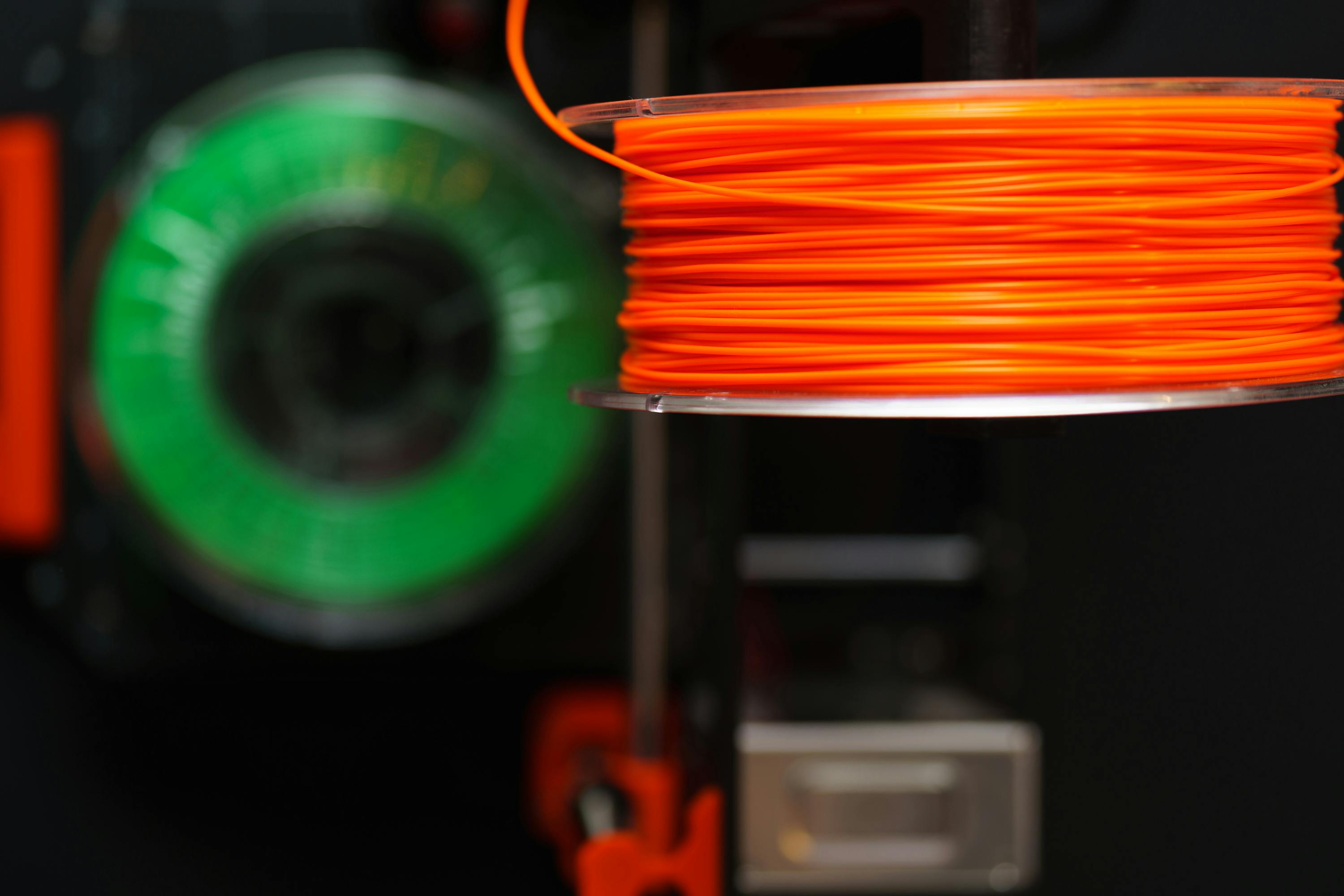
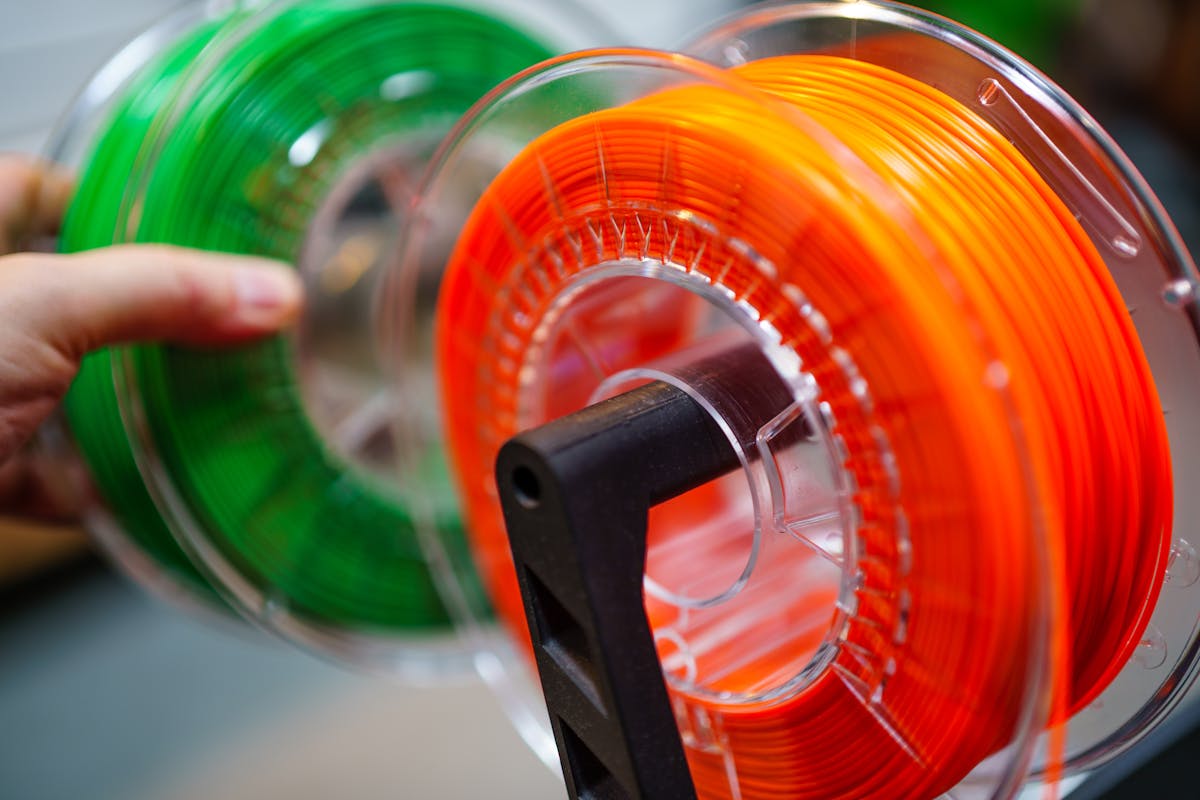
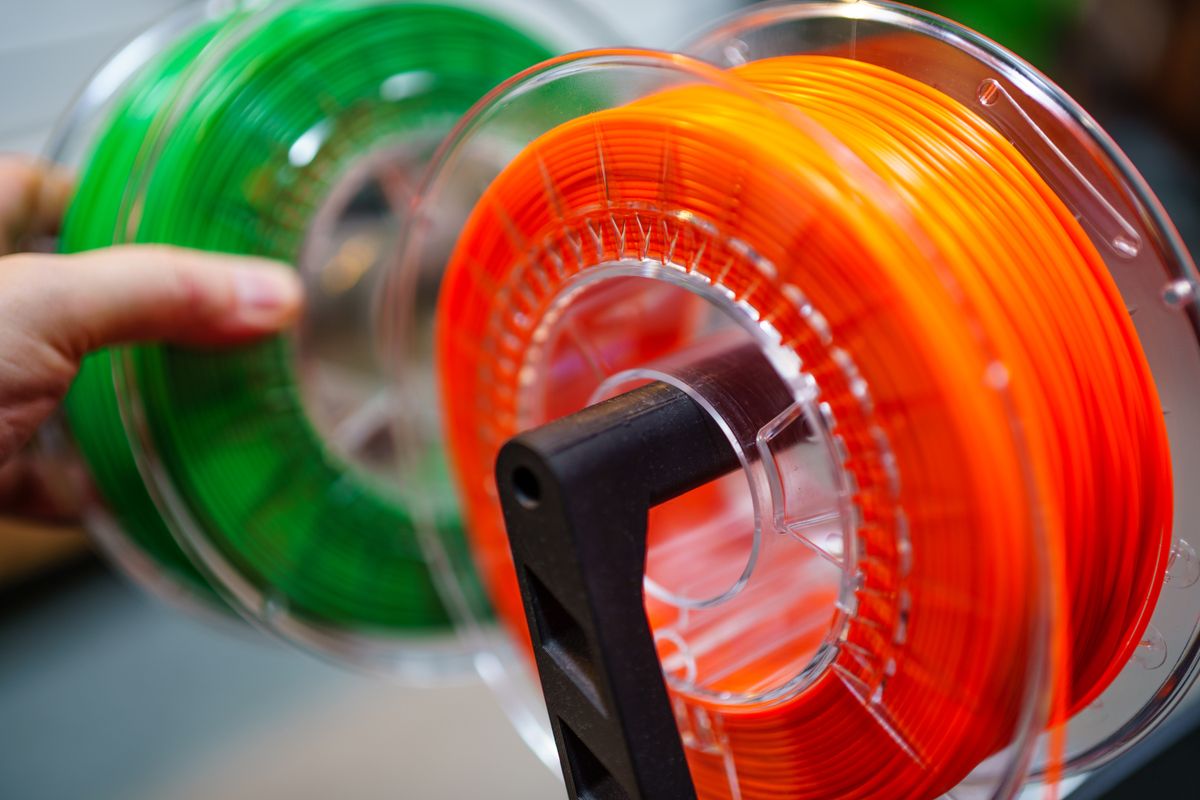
    Vibrant orange and green 3D printing filament spools
    Filament quality and storage directly affect print success. Photo by Jakub Zerdzicki on Pexels

    5. Under-Extrusion

    What it looks like: Weak, incomplete layers with visible gaps between lines. Walls look thin or porous. The print is structurally weak or visually rough.

    Why it happens: The printer is not pushing enough filament through. Causes range from a partial clog to an incorrectly calibrated extruder to the extruder gear grinding the filament down.

    How to fix it:

    • Increase flow rate (extrusion multiplier) by 5% increments in your slicer until layers look solid
    • Check that the extruder idler tension is tight enough to grip the filament without grinding it
    • Calibrate your extruder steps/mm — mark 100 mm of filament and command the printer to feed 100 mm, then measure what was actually consumed
    • Dry your filament if you suspect moisture (see below)

    6. Spaghetti Print — Complete Mid-Print Failure

    What it looks like: You come back to find a tangled mass of filament threads in the air where your print was supposed to be. The object detached from the bed and the printer kept going, depositing filament over nothing.

    Why it happens: Poor first-layer adhesion is the root cause. Once the print detaches, everything that follows is wasted filament.

    How to fix it:

    • Fix your bed adhesion first (see point 1 above) — this failure is a symptom, not its own cause
    • Use a raft for models with small footprints
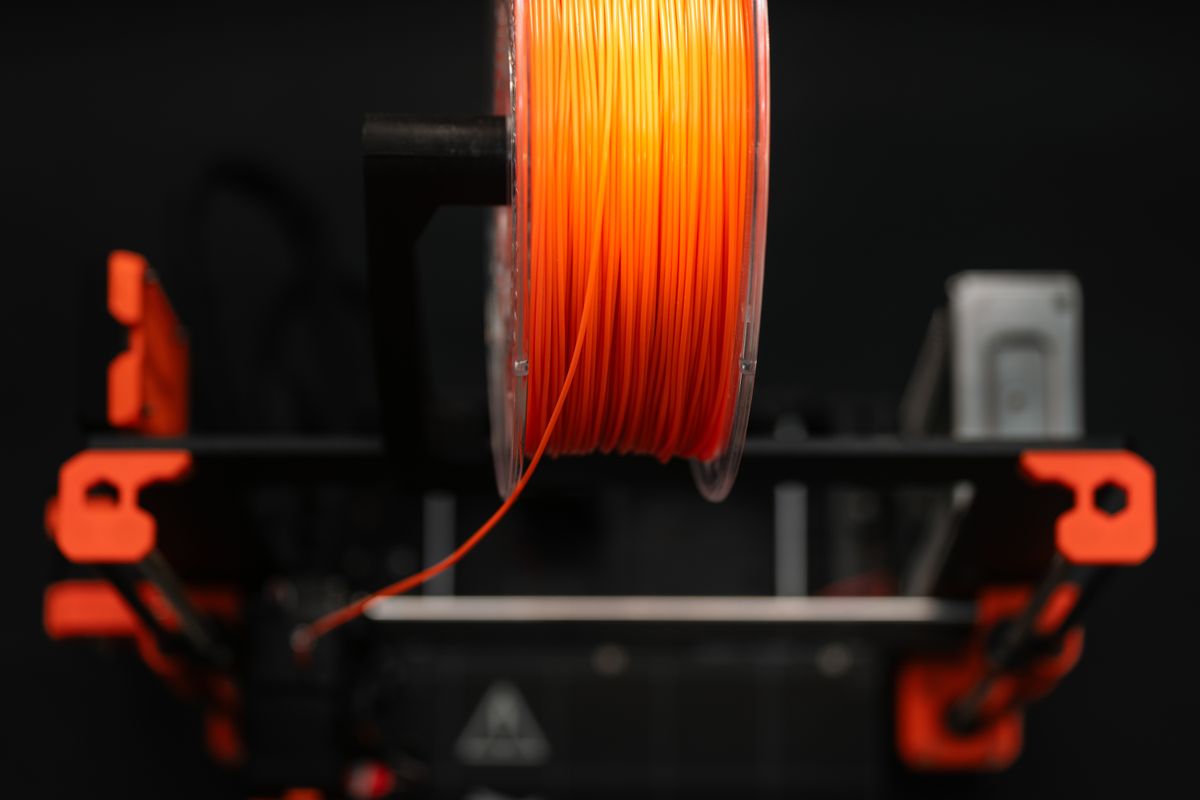
    • Check that your filament path is clear and not snagging on the spool — a sudden tug can knock a print off the bed
    • Consider a print monitoring camera so you can catch failures early and pause the job

    7. Elephant Foot — Over-Squished First Layer

    What it looks like: The bottom layers of your print bulge outward, giving the model a wider base than designed. Circular holes at the bottom are squashed into ovals. Functional parts may not fit their intended slots.

    Why it happens: Your Z-offset (the gap between the nozzle and bed at the start of printing) is set too small. The first layer gets squashed too flat and spreads outward.

    How to fix it:

    • Increase your Z-offset — on most printers this is a live adjustment in the first-layer menu
    • Re-level your bed, paying attention to the nozzle gap (a piece of standard A4 paper should slide under with light friction)
    • Add a chamfer in your design at the base to offset the slight spread, if the model is a one-off functional part
    3D printed objects manufactured by a desktop 3D printer
    Successful 3D prints start with dialled-in settings. Photo by Jakub Zerdzicki on Pexels

    Bonus: The India Factor — Humidity and Power

    If you are printing in coastal cities like Mumbai, Chennai, or Kochi, or during Indias monsoon season anywhere in the country, filament moisture is a serious and underrated problem. PLA, PETG, and Nylon are hygroscopic — they absorb water from the air, and wet filament produces weak prints, stringing, bubbling, and popping sounds during extrusion.

    What to do:

    • Store your filament in airtight boxes with silica gel desiccant when not in use
    • Dry wet filament in a food dehydrator or oven at 45–55°C for PLA (2–4 hours) before printing
    • Print from a dry box — a sealed container your filament feeds through during the print

    Power fluctuations are another Indian-specific reality. Voltage spikes can trigger mid-print failures or corrupt the hot-end thermistor readings. A basic UPS or voltage stabiliser is a worthwhile investment if you are running your printer through long jobs.

    When to Just Order Instead of Print

    Sometimes the fastest path to a finished part is not fighting your printer through a difficult geometry — it is ordering the print from a verified maker instead. JustPrint.io connects you with 3D printing services across India. You upload your STL, pick your material, and your part arrives ready to use. No failed prints, no wasted filament, no troubleshooting at 2 AM.

    If you are a maker yourself, listing your print services on JustPrint.io puts your calibrated printer to work generating income while you sleep — and you only take the jobs your setup handles reliably.

    Stop fighting your printer. Join JustPrint.io — whether you need a part printed or want to earn from your machine.

  • How to Post-Process Your 3D Prints: The Complete Finishing Guide

    How to Post-Process Your 3D Prints: The Complete Finishing Guide

    Your 3D print just came off the bed. The geometry is right, the dimensions are spot-on — and it looks terrible. Layer lines, support scars, rough surfaces. That gap between a raw print and something you’d actually hand to a customer? That’s post-processing. Learning to post-process 3D prints is what separates hobbyists from makers who build real products.

    The good news: finishing is learnable. You don’t need a professional spray booth or imported chemicals. With the right techniques and supplies available at your local hardware store or Amazon.in, you can take a ₹200 print and make it look like it came out of a mould.

    This guide covers everything — from pulling off supports to applying a final clear coat — for both FDM and resin printers. Whether you’re printing for yourself or selling on JustPrint.io, this is the workflow that makes the difference.

    Person working on a 3D printer, inspecting a freshly printed part
    Photo: Jakub Zerdzicki / Pexels

    Why Post-Processing Matters

    FDM prints build objects layer by layer, and those layers show. Standard 0.2mm layer height leaves visible ridges that feel rough to the touch and look unfinished under any light. Resin prints come out smoother but still carry print lines, support attachment marks, and a sticky, uncured surface that needs cleaning.

    Post-processing closes that gap. A well-finished print is stronger (priming seals micropores), looks professional, and commands a higher price. If you’re selling printed parts or prototypes, finishing is not optional — it’s the product.

    There’s also a practical side: some applications require it. Functional parts that mate with other components need smooth mating surfaces. Display models need paint. Figurines need detail-preserving primer. Learning to post-process 3D prints is a core skill, not an afterthought.

    What You’ll Need

    Stock up before you start. Here’s a practical list with sourcing notes for India:

    • Sandpaper — Get a variety pack: 120, 220, 400, 800, and 1200 grit. Available at any hardware store or Amazon.in for under ₹200 for an assortment.
    • Needle-nose pliers and flush cutters — For removing supports cleanly. Standard electrician’s pliers work fine.
    • Hobby knife (X-Acto style) — For trimming support nubs and surface artifacts. Available at art supply stores and Amazon.in.
    • Isopropyl alcohol (IPA), 99% — Critical for resin cleaning. Available at pharmacies and electronics suppliers. Look for it under “isopropyl alcohol” or “rubbing alcohol” — 70% versions are too diluted.
    • Grey primer spray can — Rust-Oleum or Asian Paints Apcolite spray primer work well. ₹250–400 at hardware stores or Amazon.in.
    • Acrylic paints — Pidilite Fevicryl is widely available, affordable, and works well on PLA and resin. For spray application, look for Rustoleum 2X or Motip at auto parts stores.
    • Clear coat / varnish — Matte or gloss finish spray. Prevents paint from chipping and adds durability.
    • UV lamp (for resin) — A ₹300–500 UV nail lamp from Amazon.in does the job for post-curing resin prints.
    • Respirator and gloves — Non-negotiable for resin work and spray painting. Resin is toxic uncured. A basic N95 works for dust; a half-face respirator with organic vapour cartridges for fumes.

    Step 1 — Removing Supports and Cleaning Up

    Start here before you touch sandpaper. Rushing support removal damages the print surface and creates more work.

    1. For FDM prints: Let the print cool completely before removal — warm PLA flexes and warps. Use flush cutters to snip supports close to the surface, then use a hobby knife to trim remaining nubs flat. Work at an angle to avoid gouging.
    2. For resin prints: Wear nitrile gloves always. Remove supports before post-curing — uncured resin is flexible and supports snap off cleanly. After removal, wash the print in IPA for 3–5 minutes (an ultrasonic cleaner speeds this up dramatically), then let it dry fully before UV curing.
    3. Inspect carefully: Hold the print under a bright light and rotate it. Look for support attachment scars, stringing (FDM), and layer shifts. Mark problem areas with a pencil — you’ll target these during sanding.

    Patience here pays off. A clean support removal job means less sanding and better final results.

    Step 2 — Sanding Your Print

    Sanding is where most of the surface quality improvement happens. The process is the same for FDM and resin in principle, but the starting point differs.

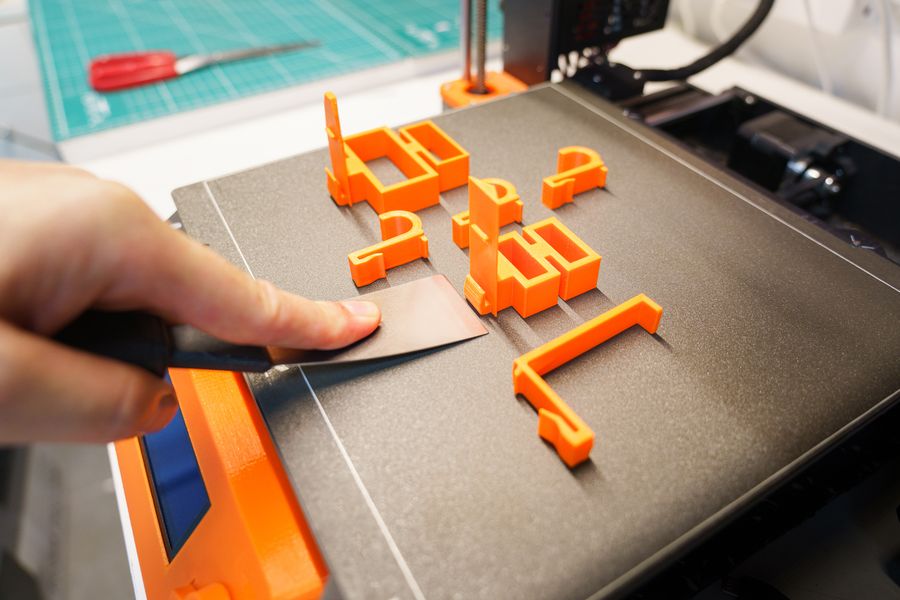
    Hand carefully removing a freshly 3D printed orange object from the printer bed using a spatula
    Photo: Jakub Zerdzicki / Pexels

    FDM Prints

    Start at 120 grit to knock down layer lines and support scars. Sand in small circular motions — don’t focus pressure in one spot or you’ll create divots. Move to 220 grit to smooth out the scratches from 120. Then 400, 800, and finally 1200 for a near-smooth finish.

    Wet sanding (dipping the paper in water as you go) dramatically reduces dust and produces a smoother finish from 400 grit onwards. It’s the difference between a dull matte surface and something that takes primer evenly.

    For detailed areas or tight geometry, wrap sandpaper around a popsicle stick or use sanding sponges for contours. Don’t sand detail away — thin features and sharp edges need a light hand.

    Resin Prints

    Resin comes off smoother than FDM, so start at 220 or 320 grit instead of 120. The goal here is mostly removing support marks and any surface texture from the FEP film. Move up to 800–1200 for a glass-smooth surface. Wet sanding is especially effective on resin.

    One important note: sanded resin dust is hazardous. Always sand resin wet to prevent airborne particles, and wear your respirator.

    Step 3 — Priming and Painting

    Intricately detailed 3D printed superhero figurine in gray polymer, showcasing the quality achievable before painting or finishing
    Photo: introspectivedsgn / Pexels

    Never skip primer. Primer seals the surface, reveals remaining flaws, and gives paint something to grip. A paint job without primer peels.

    1. Clean the surface: Wipe with IPA before priming to remove finger oils and dust. Even a light fingerprint will show under primer.
    2. Apply primer in thin coats: Hold the can 25–30cm away, use sweeping passes, and apply 2–3 thin coats rather than one thick coat. Let each coat dry for 10–15 minutes. Thick coats run and hide detail.
    3. Inspect and sand again: Once the primer is fully dry (30–60 minutes), examine the surface. Any remaining flaws show up clearly on grey primer. Sand at 800–1200 grit, wipe clean, and re-prime if needed.
    4. Apply colour coats: Same technique — thin passes, multiple coats. Acrylic spray or hand-brushed Fevicryl acrylics both work. For hand painting, thin the paint slightly with water for better flow and avoid brush marks.
    5. Seal with clear coat: Once paint is fully cured (24 hours for best results), apply a matte or gloss clear coat. This protects the paint and gives you control over the final sheen.

    Advanced Finishing Techniques

    Once you’ve mastered the basics, these techniques take prints to another level:

    Acetone Smoothing for ABS

    ABS plastic dissolves slightly in acetone vapour, and a controlled exposure smooths layer lines chemically without sanding. Place the print on a platform inside a sealed container with a small amount of acetone (not touching the print). The vapour does the work in 30–60 minutes. The result is a nearly injection-moulded surface. Important: this only works for ABS, not PLA or PETG. Acetone is flammable — work outdoors or in a well-ventilated space away from heat sources. Acetone is available at hardware stores and chemists across India for under ₹100/litre.

    Epoxy Coating

    Two-part epoxy coatings (such as XTC-3D or locally available Fevicol Epoxy and similar products) can be brushed directly onto FDM prints. The epoxy fills layer lines and cures to a hard, paintable surface. Mix small amounts, brush on quickly, and rotate the part to prevent drips. Available on Amazon.in under “two-part epoxy coating.”

    UV Resin Clear Coat

    Brush a thin layer of UV resin over a sanded print and cure it under a UV lamp. This adds a hard, glossy finish and fills minor surface imperfections. Especially effective on resin prints and small detailed models.

    Tips for JustPrint Sellers: Deliver Quality, Charge Appropriately

    If you’re listing prints on JustPrint.io, finishing is your competitive edge. Raw prints are a commodity. Finished prints are a product.

    • Photograph your samples finished: Finished prints photograph dramatically better and justify higher listing prices.
    • Price in finishing time honestly: Sanding a medium-complexity FDM print to paint-ready takes 30–60 minutes of actual work. Charge for that time. A ₹300 print with ₹150 of finishing labour and ₹80 of materials is a ₹530–600 product — not a ₹300 one.
    • Offer finishing as an option: List raw prints at base price, then offer sanded, primed, or painted versions as upgrades. Many customers will gladly pay.
    • Be consistent: Document your finishing process so every order looks the same. Repeatability is what turns a side project into a business.
    • Make in India advantage: Local raw material costs (sandpaper, Fevicryl, IPA, primer) are a fraction of what makers pay in the US or Europe. That cost advantage, combined with skilled finishing, is a genuine competitive edge.

    Start Finishing, Start Selling

    Post-processing 3D prints isn’t complicated — it’s just systematic. Sand progressively, prime before painting, seal when done. The tools are cheap, the supplies are local, and the results compound: each finished part teaches you something that makes the next one faster.

    Whether you’re a maker building prototypes, a hobbyist making display pieces, or a seller on JustPrint.io growing your business — finishing is the skill that makes your prints worth showing.

    Ready to sell finished-quality prints? List your capabilities on JustPrint.io — India’s marketplace for 3D printing. Buyers are already there looking for makers who deliver product-grade quality.

  • 3D Printed Customised Gifts in India: Why They’re Trending and How to Order One

    3D Printed Customised Gifts in India: Why They’re Trending and How to Order One

    India has one of the most vibrant gifting cultures in the world. From Diwali to weddings to birthdays to Raksha Bandhan — there’s always an occasion around the corner that calls for something thoughtful and personal. 3D printed custom gifts are quietly becoming one of the most talked-about gifting trends in urban India, and for good reason: they can be completely personalised, they’re unlike anything available in a shop, and they arrive looking like a premium product.

    Close-up of a 3D printer creating a decorative figurine
    A 3D printer crafting a custom decorative figurine — exactly what makes personalised gifts possible · Photo by Lucie Siegelsteinová on Pexels

    Why 3D Printed Gifts Are Trending in India

    The gifting market in India is valued in billions of rupees and growing rapidly, driven by rising incomes, a young population that shops online, and a cultural emphasis on meaningful celebrations. But for years, most Indian gift-givers were stuck choosing between generic shop-bought items or expensive imported products.

    3D printing has changed that. For the first time, you can order a gift that has someone’s actual name on it, captures their likeness, celebrates their interests, or commemorates a specific date — and have it delivered to your door before the occasion. That combination of personalisation, quality, and convenience is exactly what modern Indian gift-givers are looking for.


    Best 3D Printed Gifts for Indian Occasions

    🎆 Diwali

    Diwali is India’s biggest gifting occasion, and 3D printed items fit the festive spirit perfectly. Popular choices include decorative diyas (oil lamps) with geometric or floral patterns, custom tea light holders, Laxmi-Ganesh figurines, rangoli frame templates, and personalised gift boxes with the recipient’s name. A set of 4 custom printed diyas boxed beautifully makes a far more memorable gift than a generic sweet box or candle set.

    💍 Weddings and Anniversaries

    Custom couple figurines are one of the fastest-growing 3D print gift categories in India. A miniature sculpture of the bride and groom — in their wedding outfits, in their favourite pose — is something no amount of money can buy in a regular shop. Prints can be done in resin for a smooth, professional finish or in PLA for a more abstract, artistic look. These work equally well as wedding gifts, anniversary presents, or cake toppers.

    Intricately detailed 3D printed figurine showcasing the quality achievable for personalised keepsakes
    The level of detail achievable with resin 3D printing makes for stunning personalised wedding keepsakes · Photo by Erik Mclean on Pexels

    🎂 Birthdays

    For birthdays, personalisation is everything. A 3D printed miniature of someone’s pet, a keychain shaped like their car or motorbike, a custom phone stand with their name, or a miniature bust of their favourite fictional character — these are gifts that get reactions. The recipient knows someone thought carefully about what they specifically would love, rather than just grabbing something off a shelf.

    🏠 Housewarming (Griha Pravesh)

    A personalised name plate for a new home is one of the most practical and thoughtful gifts imaginable. Custom 3D printed name plates with the family name, house number, and a decorative border are increasingly popular housewarming gifts. You can also order a custom map of the location of the new home, a decorative wall piece, or a stylish number plate for the main door.

    👨‍👩‍👧 New Baby Gifts

    A 3D printed baby name display — each letter of the child’s name printed as a standalone decorative piece — is a uniquely personal and lasting gift that stands out from the usual soft toys and clothing sets. Add the date of birth, the family’s house number, or a small figurine, and you have something the family will keep for years.

    💛 Raksha Bandhan

    Custom 3D printed rakhi stands, personalised bracelet holders, and sibling-themed figurines are creative alternatives to conventional gifts. Brothers can surprise sisters with a custom piece that celebrates a shared memory or inside joke — something that only the two of them would understand the significance of.

    Close-up of blue 3D printed figurines fresh off a printer bed
    Fresh 3D printed figurines on the printer bed — ready to be painted, gifted, or displayed · Photo by Erik Mclean on Pexels

    What Makes a Great 3D Printed Gift?

    The best 3D printed gifts share a few qualities. They’re personalised in a way that shows thought — a name, a date, an inside reference. They’re high quality in finish — smooth, well-printed, without visible layer errors. They’re packaged beautifully — even a simple craft box and tissue paper elevates the experience enormously. And they arrive on time, which requires ordering early enough to allow for production and shipping.


    How to Order a Custom 3D Printed Gift in India

    1. Decide what you want — a name plate, a figurine, a decorative item, a functional piece
    2. Provide your customisation details — names, dates, dimensions, any reference images
    3. Upload or describe your design on JustPrint.io
    4. Choose your material and colour — PLA for vibrant colours, resin for smooth detail
    5. Place your order — most gifts are ready and dispatched within 24–48 hours
    6. Receive delivery anywhere in India in 2–5 business days

    Pro tip: For festival occasions, order at least 10–14 days before the date to allow comfortable buffer for production and delivery, especially during peak Diwali and wedding season when demand is highest.


    Order a Custom 3D Printed Gift Today

    Whether you’re looking for a Diwali gift that stands out, a personalised wedding keepsake, or a birthday surprise that shows you really know someone — JustPrint.io can bring your idea to life and deliver it anywhere in India. No design skills needed: describe what you want and the team will help you make it a reality.

  • Free 3D Design Software for Beginners in India: Tinkercad, Blender, and Fusion 360 Explained

    Free 3D Design Software for Beginners in India: Tinkercad, Blender, and Fusion 360 Explained

    “I want to create my own 3D designs, but I don’t know where to start.” This is one of the most common things people say before their first 3D print order. The good news: you don’t need to spend money or take a course. Three free tools cover everything from absolute beginner to professional level — and you can start designing today.

    A hand carefully removes an orange 3D printed object from a printer bed using a spatula
    The output of 3D design: a freshly printed part lifted off the build plate. Photo by Jakub Zerdzicki on Pexels.

    The Three Tools You Need to Know

    There are hundreds of 3D design tools available, but for someone starting from zero in India, three stand out: Tinkercad for absolute beginners, Fusion 360 for aspiring engineers and product designers, and Blender for creative and artistic work. Here’s what each one does and who it’s for.


    1. Tinkercad — The Perfect Beginner’s Tool

    Tinkercad is a free, browser-based 3D design tool made by Autodesk. It requires no installation, no powerful computer, and no prior experience. If you can use a mouse and a browser, you can design in Tinkercad.

    The interface is based on simple shapes (cubes, cylinders, spheres) that you combine, subtract, and arrange to build more complex objects. It’s genuinely intuitive — most beginners can create a functional object within an hour of their first session.

    Best for:

    • Complete beginners with no prior design experience
    • Simple functional objects (name plates, holders, brackets, keychains)
    • Quick ideas you want to test and print fast
    • Students and hobbyists
    • Designing on a low-spec computer or even a tablet

    Getting started:

    Go to tinkercad.com, create a free Autodesk account, and click “Create new design”. Autodesk’s built-in tutorials take you through the basics in under 30 minutes. By the end, you’ll be able to create a custom name plate or simple holder ready to export as STL.

    Limitations:

    Tinkercad’s simplicity is also its ceiling. Complex curved surfaces, organic forms, and precision engineering are difficult or impossible in Tinkercad. Once you outgrow it, move to Fusion 360 or Blender.

    Close-up of a 3D printer extruder depositing orange plastic filament layer by layer
    FDM 3D printing in action — the same process that brings Tinkercad designs to life. Photo by Jakub Zerdzicki on Pexels.

    2. Fusion 360 — Professional-Grade, Free for Hobbyists

    Fusion 360 is Autodesk’s professional CAD (Computer-Aided Design) and CAM software. It’s used by engineers, product designers, and manufacturers worldwide. Importantly, it’s free for personal, non-commercial use — which makes it extraordinary value for beginners in India who want to create precise, functional designs.

    Fusion 360 uses parametric modelling — meaning every dimension is defined numerically and can be changed at any time. This is ideal for engineering parts, mechanical components, and any design where exact measurements matter.

    Best for:

    • Engineering students and professionals
    • Mechanical parts, brackets, housings, and enclosures
    • Designs where precise dimensions are critical
    • Product design and prototyping
    • Anyone who wants to progress beyond Tinkercad

    Getting started:

    Download from autodesk.com/fusion360 and register for a free personal licence. Autodesk has an excellent tutorial library. The learning curve is steeper than Tinkercad — expect 5–10 hours of practice before you’re comfortable — but the payoff in design capability is enormous.

    Limitations:

    The free personal licence has some feature restrictions for commercial use. Organic and artistic modelling (character figures, decorative sculptures) is not Fusion 360’s strength — use Blender for those.


    3. Blender — The Creative Powerhouse

    Blender is a free, open-source 3D modelling, animation, and rendering tool. It’s used professionally for animated films, game assets, visual effects, and increasingly for 3D printing — especially for organic, artistic, and highly detailed designs that would be impossible in traditional CAD software.

    Blender’s sculpting tools let you work as if you’re moulding digital clay — perfect for figurines, character models, jewellery, and decorative objects with natural, flowing forms.

    Best for:

    • Artistic and organic designs (figurines, sculptures, jewellery)
    • Character models and miniatures for tabletop gaming
    • Decorative objects with complex curved surfaces
    • Designers with a creative/artistic background
    • Anyone who wants full control over every surface

    Getting started:

    Download free from blender.org. Be warned: Blender has the steepest learning curve of the three. Start with the official Blender tutorials and YouTube channels like Blender Guru. Expect 20–30 hours of practice before you produce print-ready models. The investment pays off richly for creative designers.

    Close-up of a 3D printer creating a hexagonal object in a dimly lit workshop
    A 3D printer building complex geometric shapes — the kind of detailed objects Blender designs make possible. Photo by Papaz on Pexels.

    Which Tool Should You Start With?

    Your GoalStart With
    I want to design my first print as quickly as possibleTinkercad
    I’m an engineering/tech student or professionalFusion 360
    I want to design figurines, jewellery, or sculpturesBlender
    I want to sell custom name plates and keychainsTinkercad
    I want to create precise mechanical partsFusion 360
    I want to make tabletop miniatures or charactersBlender
    I’m on a low-spec computer or ChromebookTinkercad (browser-based)

    From Design to Print in India

    Once your design is ready, export it as an STL file and upload it to JustPrint.io to get an instant quote. Your design will be printed in your chosen material and delivered anywhere in India — typically within 3–5 business days from design to doorstep.

  • How to Prepare Your STL File for 3D Printing: A Beginner’s Checklist

    How to Prepare Your STL File for 3D Printing: A Beginner’s Checklist

    You’ve designed something, you’re ready to order, and you upload your STL file to JustPrint.io — only to get an error or, worse, receive a print that looks nothing like your model. Most of these problems come from avoidable issues in the design file. This checklist walks you through exactly what to check before hitting submit, saving you time, money, and frustration.

    Close-up of a 3D printer head in operation, precisely laying down filament layer by layer
    A few minutes of file preparation can save hours of reprinting and wasted cost. Photo: TheShutterVision on Pexels

    Why File Preparation Matters

    A 3D printer is not forgiving. Unlike a 2D printer that can muddle through a slightly corrupt file, a 3D printer will either refuse to print a bad STL or produce something completely wrong. The most common causes of failed or poor-quality prints are problems that could have been fixed in 10 minutes on a computer — before the print ever started.


    The Beginner’s STL Preparation Checklist

    ☑️ 1. Check your file is watertight (manifold)

    A “watertight” model has no holes, gaps, or open edges in the mesh. Imagine your 3D model as a water balloon — there should be no punctures anywhere. If there are gaps, the slicer software doesn’t know what’s “inside” and what’s “outside” the model, and can produce unpredictable results.

    How to check: Open your STL in Meshmixer (free) and run Analysis > Inspector. Red dots indicate problem areas. Click “Auto Repair” to fix most issues automatically.

    ☑️ 2. Check minimum wall thickness

    If any walls in your design are thinner than the printer’s nozzle diameter (typically 0.4mm for FDM), they simply won’t print. The rule of thumb for FDM printing is a minimum wall thickness of 1.2mm (3 × nozzle width). For resin printing, walls as thin as 0.5mm are possible, but anything thinner risks breaking during post-processing.

    Common culprit: Text and lettering in relief designs. Make sure any text protrudes or recesses by at least 0.8mm and each letter stroke is at least 1mm wide.

    ☑️ 3. Check the correct size and units

    STL files have no built-in unit information. When you export from Tinkercad or Fusion 360, the file might be in millimetres — but when it’s opened elsewhere, it might be interpreted as centimetres or inches, making your design 10× too large or 25× too small.

    How to check: After uploading to JustPrint.io, verify the displayed dimensions match what you designed. If a 10cm object shows as 1cm, you have a unit mismatch — re-export from your design software specifying millimetres.

    A 3D printer crafting a detailed vase, demonstrating the precision of additive manufacturing
    Always verify dimensions after uploading — unit errors are one of the most common beginner mistakes. Photo: Fox on Pexels

    ☑️ 4. Think about orientation and supports

    FDM printers can’t print in mid-air — overhanging sections beyond about 45° need supports. The more supports your model needs, the longer the print time, the higher the cost, and the more post-processing work is required to remove them. Good design minimises overhangs.

    Tips to reduce supports: Orient your model so the largest flat surface is on the bottom. Hollow out unnecessary solid sections. Add chamfers or fillets instead of sharp horizontal overhangs. JustPrint.io will optimise orientation for you, but a well-designed model still gives better results.

    ☑️ 5. Check for inverted normals

    Every surface in a 3D model has an “inside” and an “outside” face. If some faces are accidentally pointing inward (inverted normals), slicers can interpret the geometry incorrectly. This often causes parts of your model to appear hollow or missing during slicing.

    How to fix: In Meshmixer or Blender, select all faces and use “Recalculate Normals Outside” or the equivalent. Most CAD tools (Tinkercad, Fusion 360) don’t create inverted normals — this is more of a risk if you’re using sculpting tools like Blender.

    ☑️ 6. Remove duplicate or intersecting geometry

    If you assembled your model from multiple parts in design software and didn’t properly merge or boolean-union them, you may have internal overlapping surfaces. These confuse slicers and can produce strange artefacts, missing sections, or inflated file sizes.

    How to fix: In Tinkercad, use the “Group” function to merge all components. In Fusion 360, use “Combine > Join”. In Blender, use Boolean Union modifier.

    ☑️ 7. Export as STL, not as a native format

    Always export as STL, OBJ, or 3MF — not as a .f3d (Fusion 360), .blend (Blender), or .skp (SketchUp) file. These native formats are not universally readable by slicers. STL is the safest universal choice. When exporting, choose the “Fine” or “High Resolution” export setting for better surface quality.


    Quick Pre-Upload Checklist

    CheckToolStatus
    Model is watertight (no holes/gaps)Meshmixer Inspector☑️
    Minimum wall thickness ≥ 1.2mm (FDM) or 0.5mm (resin)Visual check / Meshmixer☑️
    Correct size and units (mm)Check after upload☑️
    Overhangs minimised / supports consideredVisual check☑️
    Normals pointing outwardMeshmixer / Blender☑️
    No duplicate/intersecting geometryBoolean union in design tool☑️
    Exported as STL/OBJ/3MF (high resolution)Export settings☑️

    What JustPrint.io Does for You

    When you upload your file to JustPrint.io, the platform automatically analyses it for common issues — flagging problems before your order goes into production. This catches most errors before they become expensive mistakes. That said, running through this checklist yourself first means faster approvals and better print results every time.

  • Can You Make Money with 3D Printing in India Without Owning a Printer?

    Can You Make Money with 3D Printing in India Without Owning a Printer?

    The single biggest barrier stopping people from starting a 3D printing business in India is the assumption that you need to own a printer. A decent desktop printer costs ₹20,000–₹1,20,000. Add filament, failed prints, maintenance, learning time, and electricity — and suddenly your “low-cost” business idea has a very high entry bar. The good news is there’s a better way.

    Person removing a freshly 3D printed orange object from a printer bed using a spatula
    With print-on-demand, your product gets made and shipped without you touching a printer. Photo by Jakub Zerdzicki on Pexels

    The Print-on-Demand Model Explained

    Print-on-demand (POD) is a business model where you design and sell products, but a third-party service handles all the manufacturing and fulfilment. In the 3D printing world, this means:

    1. You create or source a 3D design file
    2. You list the product for sale online (Etsy, Instagram, Amazon India, your website)
    3. A customer places an order and pays you
    4. You forward the order to JustPrint.io with the customer’s delivery address
    5. JustPrint.io prints the item and ships it directly to your customer
    6. You keep the difference between what the customer paid you and what JustPrint.io charged

    You never touch the product. You never hold inventory. You never deal with failed prints at 2am. Your job is design, marketing, and customer relationships — the creative and commercial side of the business.


    Why This Model Works Especially Well in India

    India has several structural advantages that make POD 3D printing particularly attractive right now:

    • Growing demand for customisation — Indian consumers increasingly want personalised products that mass-market sellers can’t provide
    • Underpenetrated market — 3D printed custom products are still relatively rare in India compared to Western markets, meaning less competition
    • Affordable domestic production — using an Indian print service like JustPrint.io keeps production costs in rupees, eliminating currency risk and import duties
    • Strong gifting culture — India’s gifting occasions (weddings, Diwali, birthdays, festivals) create enormous demand for unique, personalised items year-round
    • UPI and digital payments — low-friction payment infrastructure means buyers can complete purchases easily
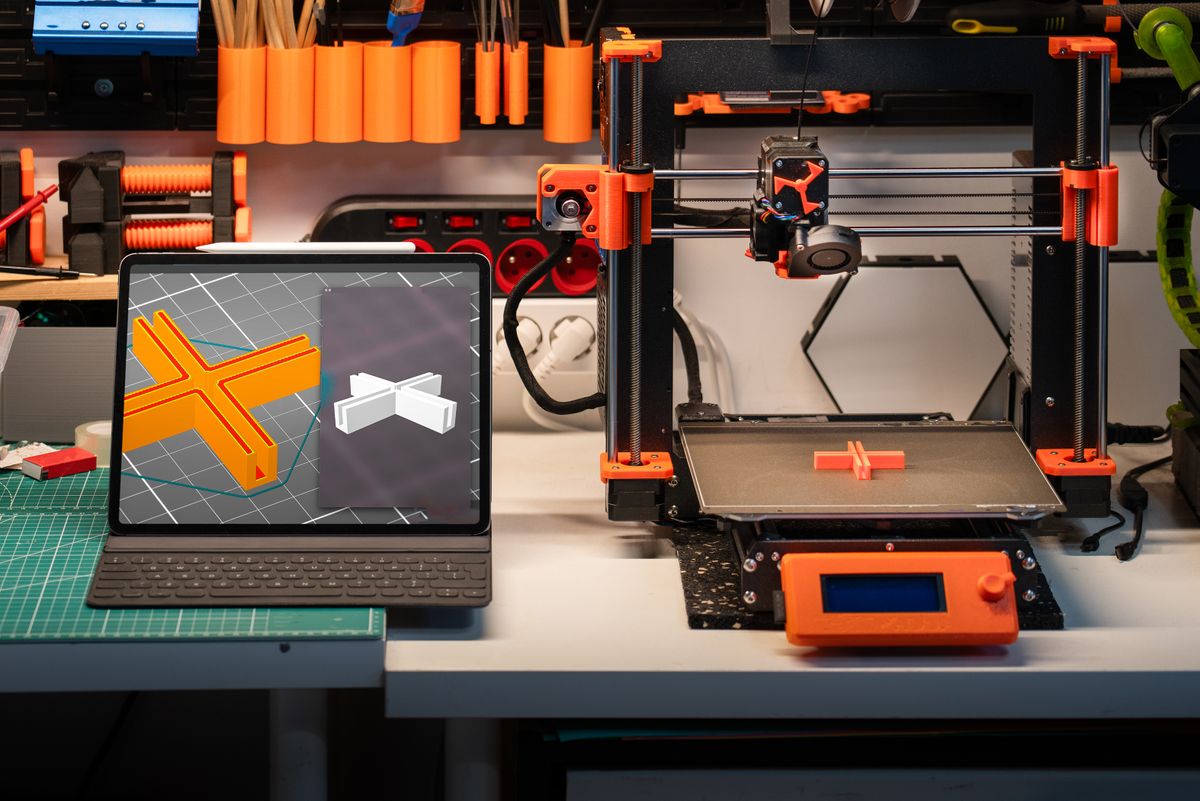
    Modern 3D printer workspace with a tablet device for managing digital orders and designs
    India’s gifting culture and e-commerce boom are tailor-made for custom 3D printed products. Photo by Jakub Zerdzicki on Pexels

    What Does It Actually Cost to Start?

    Here’s an honest breakdown of what you need to get your first product live:

    ItemCostNotes
    3D design (Tinkercad)FreeBrowser-based, no download needed
    Test print via JustPrint.io₹150–₹500Order one sample to verify quality before listing
    Product photography₹0–₹500A smartphone with good light is enough to start
    Etsy shop setupFreeListing fee is $0.20 per item (~₹17)
    Packaging materials₹200–₹500Basic bubble mailers and tissue paper
    Total to launch₹500–₹1,500For a single product listing

    Compare this to buying even a budget printer (₹20,000+), and the advantage of starting with POD is clear. You can validate demand, build reviews, and generate income before ever considering whether to invest in your own equipment.


    Common Concerns — Addressed

    “Won’t my margins be too thin?”

    Not if you price correctly. Custom and personalised products carry a premium that more than covers production costs. A product costing ₹250 to produce can realistically sell for ₹800–₹1,200. That’s a 3–4× margin — healthy for any business.

    “What if quality isn’t consistent?”

    Order a test print of every new product before listing. Once you’re happy with the quality, you can list with confidence. JustPrint.io uses professional-grade equipment — the consistency is far better than most home printers.

    “What about delivery times?”

    Be transparent with customers. Most JustPrint.io orders are printed and dispatched within 24–48 hours, with delivery across India in 2–5 business days. Set this expectation clearly in your listings and you’ll have very few complaints.

    “Is there a minimum order quantity?”

    No — you can order as few as one item at a time. This is the core advantage of print-on-demand: you only produce what’s actually been ordered.


    When Does It Make Sense to Buy a Printer?

    Once you’ve validated a product and are fulfilling 30–50+ orders per month consistently, it may start to make financial sense to invest in your own printer to improve margins. But even at that stage, many successful sellers continue using JustPrint.io for overflow orders, new product testing, or material types they don’t own equipment for.

    The smart approach: start without a printer, use POD to validate and grow, then decide if equipment makes sense based on real data.


    Start Today

    You don’t need a printer. You don’t need a workshop. You don’t need lakhs in capital. You need a good design, a reliable production partner, and the willingness to put your product in front of buyers. JustPrint.io handles the rest.

  • How to Start Selling 3D Printed Products in India — A Step-by-Step Beginner Guide

    How to Start Selling 3D Printed Products in India — A Step-by-Step Beginner Guide

    India’s appetite for customised, on-demand products is growing fast — and 3D printing sits right at the intersection of that demand. The good news? You don’t need to own a printer, hire staff, or invest lakhs to get started. With a print-on-demand platform like JustPrint.io, you can design, list, and sell 3D printed products entirely online. Here’s how to do it, step by step.

    Female engineer holding a tablet beside a 3D printer in a modern workshop
    Selling 3D printed products online in India has never been more accessible — no printer required. Photo by Yusuf Çelik on Pexels

    Step 1 — Decide What You Want to Sell

    The most successful 3D print sellers start with a clear niche. Don’t try to sell everything — pick a category you understand or are passionate about. Some of the strongest-performing niches in India right now include:

    • Personalised gifts — name plates, custom keychains, couple figurines, baby name signs
    • Festive and religious decor — Diwali diyas, Ganesh idols, rangoli frames, temple accessories
    • Home organisation — cable holders, wall hooks, spice rack labels, drawer organisers
    • Tech accessories — phone stands, cable clips, earphone holders, laptop risers
    • Hobbyist products — chess sets, tabletop game accessories, miniature terrain
    • Engineering and maker parts — brackets, mounts, jigs, drone components

    The best products to sell share three characteristics: they’re useful or emotionally meaningful, they’re hard to find in regular shops, and they’re small enough to ship affordably within India.


    Step 2 — Source or Create Your Designs

    You need a 3D design file (STL, OBJ, or 3MF format) for every product you sell. You have three options:

    Option A — Design it yourself

    Free tools like Tinkercad (browser-based, no download needed) are genuinely beginner-friendly. You can create simple customisable products — name plates, holders, basic shapes — within a few hours of practice. More advanced tools like Fusion 360 and Blender allow complex organic and mechanical designs.

    Option B — Use licensed designs

    Sites like Thingiverse, Printables, and MyMiniFactory have thousands of free and paid designs. Always check the licence before selling — many are free for personal use but require a commercial licence to sell. Purchasing a commercial licence is usually inexpensive and gives you a solid product catalogue to start with.

    Option C — Commission a designer

    If you have a specific product idea but no design skills, hire a 3D designer on platforms like Fiverr or Upwork. A simple functional design typically costs ₹1,000–₹5,000. This is especially worthwhile for hero products you plan to sell at volume.

    Person designing a 3D model on computer using CAD software
    Free tools like Tinkercad make 3D design accessible even for complete beginners

    Step 3 — Set Up Your Production Partner

    This is where most beginners get stuck — they think they need to buy a printer. You don’t. JustPrint.io acts as your production and fulfilment partner. Here’s how it works:

    1. Upload your STL file to JustPrint.io
    2. Select your material, colour, and quantity
    3. Get an instant production cost
    4. When a customer orders, place the order on JustPrint.io with your customer’s delivery address
    5. JustPrint.io prints and ships directly to your customer across India

    This model — often called print-on-demand — means you carry no inventory, pay nothing upfront, and only produce items when a real order comes in. Your margin is the difference between what you charge your customer and what JustPrint.io charges you for production.


    Step 4 — Choose Where to Sell

    You have several good options for selling 3D printed products in India:

    PlatformBest ForFees
    EtsyHandmade, custom, and unique gifts; international reachListing + transaction fees
    Amazon IndiaFunctional utility products with broad appealReferral + fulfilment fees
    Instagram/WhatsAppBuilding a local community and repeat customersFree (payment via UPI/Razorpay)
    Your own websiteFull brand control, long-term business buildingHosting + payment gateway
    Local craft fairsTesting products and getting direct feedbackStall fees only

    For most beginners, the fastest path to first sales is Instagram + WhatsApp for marketing and Etsy or Amazon India for transactions. Once you have validation and reviews, build your own website for long-term margin.


    Step 5 — Price Your Products Correctly

    Pricing is where many beginners go wrong. A simple formula to start with:

    Selling Price = Production Cost × 2.5 to 3.5

    For example, if JustPrint.io charges you ₹200 to produce a custom keychain, you should sell it for ₹500–₹700. This covers platform fees, packaging, your time, and leaves a healthy profit margin. Never price at cost — you’ll quickly burn out.


    Step 6 — Create Compelling Product Listings

    Your listing is your sales pitch. A strong listing includes:

    • Clear, well-lit photos of the actual printed product (not just renders)
    • Dimensions and material clearly stated
    • Use case and personalisation options — what can the customer customise?
    • Delivery timeframe — be honest about production + shipping time
    • Keywords in the title and description that Indian buyers actually search for
    Hand removing a freshly 3D printed orange object from the printer bed
    Good product photography is one of the highest-ROI investments you can make as a seller. Photo by Jakub Zerdzicki on Pexels

    Step 7 — Fulfil Orders and Build Reviews

    When orders come in, place them immediately on JustPrint.io and share the tracking number with your customer. Package orders attractively — even a simple printed thank-you card makes a huge difference to repeat business. Actively request reviews after delivery. In the Indian market, social proof is everything — your first 10 reviews are the hardest and most important to get.


    Ready to Start?

    The entire journey from idea to first sale can happen in a week. Upload your first design, get a production quote, and list your product tonight. JustPrint.io handles the printing and delivery — you focus on design, marketing, and customer relationships.

  • FDM vs Resin 3D Printing: Which One Should You Choose for Your Project?

    FDM vs Resin 3D Printing: Which One Should You Choose for Your Project?

    If you’ve started exploring 3D printing in India, you’ve likely come across two terms: FDM and resin. Both produce 3D printed objects, but they work very differently — and choosing the wrong one for your project can mean poor results or unnecessary cost. This guide explains the key differences in plain English, so you can pick the right technology for your next print.

    A modern 3D printer running in a tech workshop
    Photo by Fox on Pexels

    What is FDM 3D Printing?

    FDM (Fused Deposition Modelling) is the most common type of 3D printing. A spool of plastic filament — usually PLA, ABS, or PETG — is fed into a heated nozzle that melts the plastic and deposits it layer by layer onto a build plate.

    It’s the same technology used in most desktop 3D printers you see in schools, makerspaces, and homes across India. The layer lines are visible to the naked eye, but the parts are strong, affordable, and available in dozens of colours.

    Close-up of an FDM 3D printer extruding filament layer by layer
    Photo by Jakub Zerdzicki on Pexels

    Best for:

    • Functional parts (brackets, housings, holders)
    • Large objects (vases, enclosures, architectural models)
    • Prototypes where strength matters more than surface finish
    • Budget-conscious projects
    • Colourful everyday items (phone stands, keychains, organisers)

    What is Resin 3D Printing?

    Resin printing (also called SLA or MSLA) works differently — it uses a UV light source to cure liquid resin layer by layer. Because the light can be focused with extreme precision, resin prints have a much smoother surface finish and can capture tiny details that FDM simply cannot reproduce.

    The tradeoff is cost and fragility. Resin parts are more brittle than FDM parts, the materials are more expensive, and the post-processing (washing and UV-curing each print) adds extra steps before a part is ready to use.

    Translucent resin 3D printed skull model showing fine surface detail
    Photo by cottonbro studio on Pexels

    Best for:

    • Miniatures and figurines (tabletop gaming, collectibles)
    • Jewellery and fashion accessories
    • Dental and medical models
    • Objects where surface smoothness and fine detail are critical
    • Small, intricate parts

    FDM vs Resin: Head-to-Head Comparison

    FactorFDMResin
    Surface finishVisible layer linesSmooth, near-injection-moulded
    Detail levelGood (0.1–0.3mm layers)Excellent (0.01–0.05mm layers)
    StrengthStrong and flexibleHarder but brittle
    Material cost₹700–₹2,000/kg₹1,500–₹4,000/litre
    Print speedModerateFast for small batches
    Max sizeLarge (up to 300mm+)Smaller (typically under 200mm)
    Post-processingMinimal (remove supports)Requires washing + UV curing
    Colour optionsWide range of filamentsLimited (mostly grey/clear/white)
    Best useFunctional parts, large modelsDetail work, jewellery, miniatures

    Which Should You Choose for Your Project?

    Choose FDM if you need:

    • Something large or structural
    • A colourful, affordable part
    • A functional object that needs to be durable
    • A fast turnaround at low cost

    Choose resin if you need:

    • Ultra-fine detail or a smooth surface finish
    • A small, intricate object (jewellery, miniature, dental model)
    • Display-quality results
    • A professional prototype that looks injection-moulded

    When in doubt, go FDM

    For most everyday use cases in India — home decor, functional parts, gifts, prototypes — FDM is the right choice. It’s cheaper, faster, and the results are more than good enough for the vast majority of projects.

    Reserve resin for projects where surface finish and fine detail genuinely matter, such as jewellery pieces, collectible figurines, or high-resolution dental models.


    Print Both on JustPrint.io

    On JustPrint.io, you can order both FDM and resin prints online and have them delivered anywhere in India. Upload your file, pick the technology and material that fit your project, and get an instant quote. Not sure which to choose? The platform helps you decide based on size, detail level, and budget — so you don’t have to guess.

  • What Materials Can Be Used for 3D Printing? A Beginner’s Guide to PLA, ABS, PETG, and Resin

    What Materials Can Be Used for 3D Printing? A Beginner’s Guide to PLA, ABS, PETG, and Resin

    One of the first questions beginners ask when ordering a 3D print is: “Which material should I use?” The answer depends on what you’re making and how it will be used. This guide breaks down the four most common 3D printing materials in plain English, with practical examples relevant to everyday use in India.

    Spools of colorful filament for 3D printing.
    3D printing filament comes in a wide range of materials and colours — each with different properties

    1. PLA — The Beginner-Friendly Choice

    PLA (Polylactic Acid) is the most popular 3D printing material in the world, and for good reason. It’s made from plant-based materials (usually corn starch or sugarcane), making it biodegradable and environmentally friendlier than petroleum-based plastics.

    Properties:

    • Easy to print with (low warping, no enclosure needed)
    • Available in the widest range of colours and finishes
    • Good surface finish straight off the printer
    • Rigid and slightly brittle
    • Not heat-resistant (softens above ~60°C)

    Best for in India:

    Decorative items, home decor, custom name plates, figurines, gifts, prototypes that won’t be exposed to heat or outdoor conditions. If you’re ordering a Diwali decoration, a custom keychain, or a wall display piece, PLA is almost certainly the right material.

    Avoid for: Anything left in a car in Indian summer heat, outdoor use, or parts that need to be bent repeatedly without breaking.


    2. ABS — The Tough, Heat-Resistant Option

    ABS (Acrylonitrile Butadiene Styrene) is the plastic used in LEGO bricks and many automotive parts. It’s tougher and more heat-resistant than PLA, but it’s also harder to print with — it tends to warp if not printed in a controlled environment.

    Properties:

    • Higher heat resistance (up to ~100°C)
    • Tougher and more impact-resistant than PLA
    • Can be sanded and painted easily
    • Prone to warping during printing
    • Emits fumes during printing (requires ventilation)

    Best for in India:

    Functional parts that will experience heat — like car interior clips, electronics enclosures, or parts used near engines. Also useful for parts that will be sanded, painted, or post-processed for a smooth finish.

    Avoid for: Decorative or display items where PLA’s superior finish is preferred, or projects where you need consistent results without specialist equipment.

    A variety of colorful filament spools and tools organized on a workshop shelf, ideal for 3D printing enthusiasts.
    ABS is the material of choice for functional mechanical parts that need heat resistance and toughness

    3. PETG — The Best of Both Worlds

    PETG (Polyethylene Terephthalate Glycol) is essentially food-safe plastic — the same family of material used in most water bottles. It combines the ease of printing of PLA with the toughness and temperature resistance of ABS, making it an excellent all-rounder.

    Properties:

    • Strong, flexible, and impact-resistant
    • Moderate heat resistance (~80°C)
    • Excellent layer adhesion and minimal warping
    • Slightly glossy surface finish
    • Food-safe grades available

    Best for in India:

    Mechanical components, drone parts, outdoor fixtures, water-resistant containers, and anything that needs to be both strong and slightly flexible. PETG is increasingly popular for engineering prototypes and consumer product development.

    Avoid for: Fine decorative detail (PLA gives a better finish) or extreme high-temperature applications (ABS or engineering filaments are better).


    4. Resin — For Detail and Smoothness

    UV resin is used in SLA and MSLA printers instead of filament. It’s a liquid that hardens when exposed to ultraviolet light. Resin prints have an exceptionally smooth surface and can capture microscopic detail — far beyond what any filament-based printer can achieve.

    Properties:

    • Extremely high detail resolution
    • Smooth, near-perfect surface finish
    • More brittle than filament materials
    • Requires post-processing (wash in IPA + UV cure)
    • Can be painted and finished to professional standard

    Best for in India:

    Custom jewellery pieces, miniature figurines, dental models, architectural scale models, and display items where surface quality is paramount. Resin is the go-to choice for jewellers, game miniature hobbyists, and product designers who need prototypes that look finished and professional.

    Avoid for: Functional parts that need impact resistance, large structural objects, or anything that will be handled roughly.

    a close up of a 3d printer machine
    Resin printing produces an unmatched surface finish — ideal for jewellery, figurines, and professional prototypes

    Quick Reference: Which Material Should You Choose?

    Use CaseRecommended Material
    Home decor, name plates, giftsPLA
    Custom keychains and badgesPLA
    Diwali and festive decorationsPLA
    Car parts and heat-exposed itemsABS
    Mechanical parts and engineering prototypesPETG or ABS
    Drone components and outdoor fixturesPETG
    Jewellery and fine accessoriesResin
    Miniature figurines and collectiblesResin
    Dental and medical modelsResin (specialist grade)
    Not sure?PLA — it’s the safest default for most projects

    Ordering the Right Material on JustPrint.io

    When you upload your file to JustPrint.io, you can select from the available materials and get an instant quote for each. If you’re unsure which material suits your project, the platform guides you through the choice based on your intended use — no engineering knowledge required.

  • How to Price Your 3D Printed Products: A Simple Formula for Indian Sellers

    How to Price Your 3D Printed Products: A Simple Formula for Indian Sellers

    One of the most common mistakes new 3D print sellers make is underpricing. They calculate the filament cost, add a tiny margin, and wonder why they’re exhausted and barely breaking even after 50 orders. Pricing is a skill — and this guide gives you a simple, honest formula to price your products profitably from day one.

    Top view of Indian rupees and coins depicting wealth and finance in India.
    Getting your pricing right from the start is the foundation of a sustainable 3D print business

    Why Most Beginners Underprice

    When you first start selling, it’s tempting to price low to attract customers. The logic feels sound: low price = more orders = more reviews = grow from there. The problem is that low pricing attracts the wrong customers — bargain hunters who complain about everything and never come back — while signalling to good customers that your product is low quality. In India’s growing custom product market, buyers who care about quality will actually pay more for something that feels premium.


    The Full Cost Picture

    Before we get to the formula, you need to understand everything that goes into the cost of a single product. Most beginners only count the production cost and forget the rest.

    Cost ComponentWhat It CoversExample (Custom Keychain)
    Production costCharges to print + ship₹100
    PackagingBox, bubble wrap, tissue, thank-you card₹15
    Platform feesPlatform commission (typically 2 – 10%)₹20 (at ₹200 selling price)
    Design timeYour time to customise each order₹15 (15 min at ₹60/hr)
    Total true cost₹150

    In this example, if you sold the keychain for ₹200 thinking you were making ₹100 profit (production cost ₹100), you’d actually be making just ₹50. That’s why true-cost accounting matters before you set a single price.


    The Simple Pricing Formula

    Once you know your true cost, use this formula:

    Selling Price = Production Cost × Multiplier

    The right multiplier depends on your product type and channel:

    Product TypeRecommended MultiplierReasoning
    Commodity items (cable clips, basic holders)2.0–2.5×Price-sensitive buyers, high competition
    Custom/personalised products3.0–4.0×Perceived value is much higher than production cost
    Premium gifts (figurines, chess sets)4.0–6.0×Emotional value, gifting context, low price sensitivity
    Replacement parts3.0–5.0×Buyer has no alternative, high urgency

    Worked Examples for India

    Custom name plate

    Production cost: ₹220. Packaging: ₹30. At a 3.5× multiplier on production: sell for ₹770. This is entirely reasonable for a personalised name plate — similar products sell for ₹600–₹1,500 on Amazon India and Etsy.

    Diwali diya set (4 pieces)

    Production cost: ₹380. Packaging: ₹50. At a 3× multiplier: sell for ₹1,140. Round to ₹1,099 for psychological pricing. During the festive season, this will sell well against imported alternatives.

    Custom couple figurine (resin)

    Production cost: ₹650. Design customisation time: ₹200. Packaging: ₹80. At a 5× multiplier on production: sell for ₹3,250–₹4,000. This is standard pricing for custom figurines in India — buyers understand the bespoke value.

    Premium packaged product ready to be shipped as a gift
    Premium packaging justifies premium pricing — buyers pay for the experience, not just the object

    Tips for the Indian Market Specifically

    • Use ₹X99 pricing — ₹499, ₹799, ₹1,299 consistently outperform round numbers in Indian e-commerce
    • Offer free shipping above a threshold — “Free delivery above ₹499” increases average order value significantly
    • Bundle products — “Set of 3 keychains” at ₹799 vs. single at ₹299 each improves your margin per order
    • Don’t compete on price with mass-produced alternatives — position your products as custom and premium, not cheap
    • Review your prices every 3 months — as JustPrint.io production costs or platform fees change, adjust accordingly

    Getting Your Production Cost Right

    The foundation of accurate pricing is knowing your exact production cost before you set a selling price. JustPrint.io gives you an instant quote the moment you upload your STL file — so you can run the numbers before you list a single product. No guessing, no surprises.