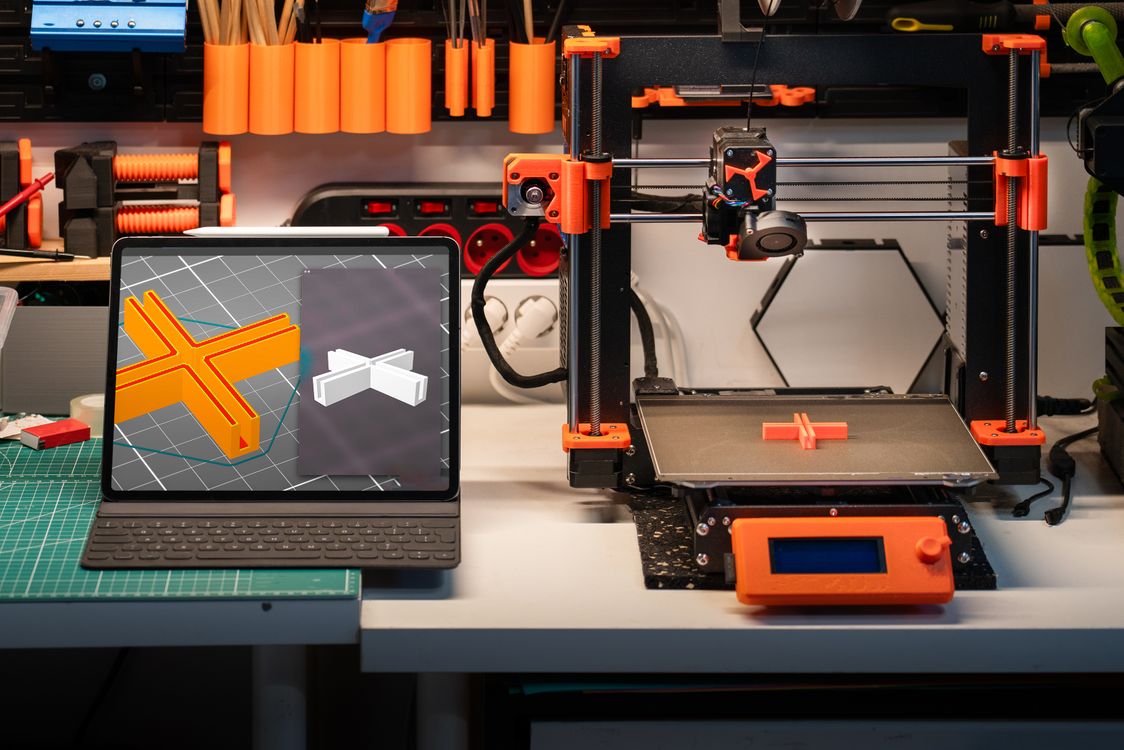
You’ve been watching YouTube videos, scrolling through Reddit threads, and admiring photos of 3D printed gadgets for weeks. Now you’ve decided: it’s time to buy your first 3D printer. The only problem? The market is overwhelming.
Resin vs FDM. Creality vs Bambu Lab vs Elegoo. Auto-levelling, direct drive, Klipper firmware — the jargon stacks up fast. And unlike buying a phone, there isn’t a clear “best” answer. The right printer depends on what you want to make, how much time you want to spend tinkering, and what your budget looks like.
This guide cuts through the noise. We’ll walk you through the exact questions to ask before you spend a rupee, which specs actually matter for beginners, and our honest pick for different types of Indian makers.
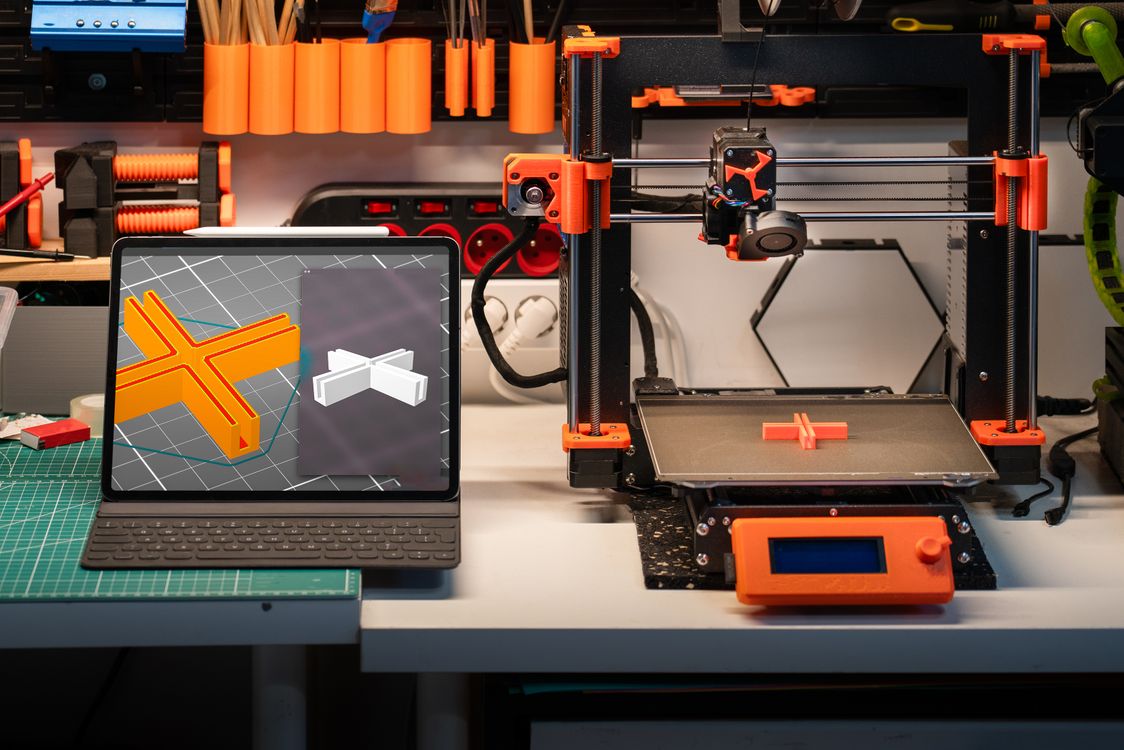
FDM or Resin? Start Here
Before you look at any spec sheet, answer this one question: what do you want to print?
FDM (Fused Deposition Modelling) printers melt plastic filament and build objects layer by layer. They’re the most common type — easier to use, cheaper to run, and great for functional parts, household items, gadgets, toys, and anything that needs to be durable.
Resin (SLA/MSLA) printers cure liquid resin with UV light. They produce incredibly detailed, smooth surfaces — but the workflow is messier, the materials cost more, and you’ll need to wash and cure prints after every job. Resin is the go-to for jewellery, dental models, miniatures, and anything where surface detail is everything.
For most first-time buyers in India: start with FDM. It’s more forgiving, cheaper to run on a per-print basis, and filament (PLA) is widely available from dozens of Indian suppliers. Resin is a specialized tool — reach for it once you know what you want to make and you’re ready for the extra workflow.
Key Specs to Look At (Before You Buy Anything)
Most spec sheets are full of numbers that sound impressive but don’t matter much in practice. Here are the three that actually do.
Build Volume
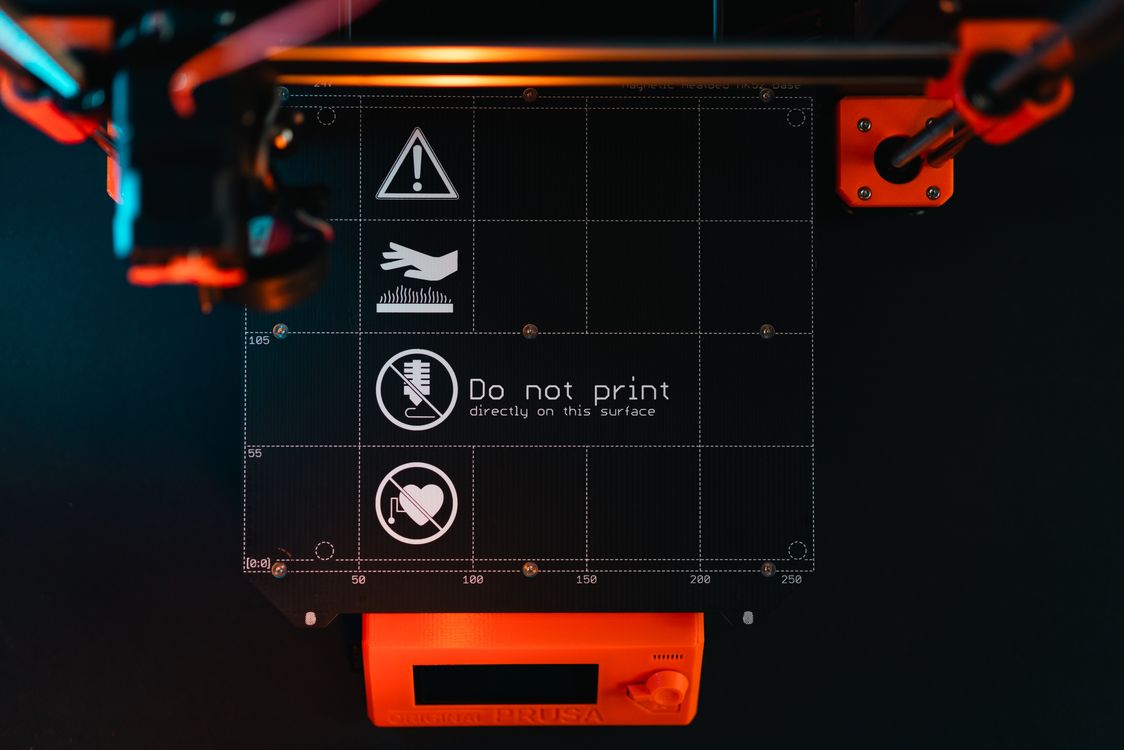
This is the maximum size of object you can print — typically listed as X × Y × Z in millimetres. A classic entry-level FDM printer gives you around 220 × 220 × 250 mm. That’s enough for most household and hobby items.
Don’t over-optimize for a huge build volume early on. Bigger beds are harder to level, take longer to heat up, and cost more. If you’re making phone stands, miniatures, or custom clips, 220 mm is plenty.
Print Resolution
For FDM, resolution is mostly about layer height, which you control in slicer software (not the printer itself). A 0.2 mm layer height is the sweet spot for most prints — fast and good-looking. Finer details go down to 0.1 mm; faster drafts go up to 0.3 mm.
Nozzle diameter also matters. The standard 0.4 mm nozzle is the right starting point — it’s a universal trade-off between detail and speed. You can always swap nozzles later.
Connectivity and Software
Modern printers fall into two camps: those that need an SD card or USB stick (older, cheaper), and those with Wi-Fi and companion apps (newer, more convenient). If you’re printing from a laptop in a different room, Wi-Fi matters. If you’re sitting next to the printer anyway, it doesn’t.
More importantly: check what slicer software is supported. Bambu Lab printers use Bambu Studio (excellent but proprietary). Most other printers work with Cura or PrusaSlicer — both free, well-documented, and community-supported.
Popular 3D Printers Available in India
- Creality Ender 3 V3 SE — The classic beginner pick. Auto-levelling, decent build volume, massive community. Priced around ₹12,000–₹15,000. You will spend time tweaking it, but you’ll also learn a lot.
- Bambu Lab A1 Mini — The plug-and-play option. Excellent print quality out of the box, fast, Wi-Fi connected, quiet. Costs around ₹28,000–₹35,000. If you want it to just work and don’t want to tinker, this is worth the premium.
- Creality K1 — A step up from the Ender series: fully enclosed, CoreXY motion system, much faster. Around ₹22,000–₹28,000. Good for those who want speed without building from scratch.
- Elegoo Mars 4 Ultra — If you’ve decided resin is your path, this is a solid entry-level MSLA printer. Around ₹15,000–₹20,000. Pair it with Elegoo’s wash-and-cure station from day one.
- Prusa Mini+ — Czech-made, open-source, incredible community support. Pricier at around ₹35,000 imported, but the documentation is unmatched and the quality is outstanding.

Budget Breakdown — What You Get at Each Price Point
India’s 3D printer market has grown significantly — import duties and shipping mean prices run higher than the US or EU, but availability has improved a lot.
- Under ₹15,000 (Entry Level) — Basic FDM printers like the Ender 3 series and Elegoo Neptune machines. Expect manual bed levelling on older models, slower speeds, and some assembly required. Great for learning the fundamentals.
- ₹15,000–₹30,000 (Mid-Range) — This is where things get good. Auto-levelling is standard, speeds are faster, and print quality improves noticeably. The Creality K1, Bambu A1 Mini, and equivalent machines live here. Most hobby and small-business users should start here.
- ₹30,000+ (Prosumer) — Fully enclosed printers for engineering filaments, multi-colour setups, and higher-precision machines. Worth it once you’re doing professional or commercial work.

Where to Buy in India — and What to Check
Buying a 3D printer is not like buying a phone — after-sales support matters a lot, especially in the first few weeks when you’re calibrating and learning.
- Amazon India — The most reliable source for mainstream brands. Check that the seller is the brand’s official store or a high-rated authorized reseller.
- Robu.in and Fabheads — Indian distributors that carry Creality, Elegoo, and related brands. Often better post-sale support than grey-market imports.
- Official brand websites (India stores) — Bambu Lab and Prusa now ship directly to India. Slower delivery but genuine warranty.
- Import via Amazon Global / AliExpress — Cheaper upfront, but customs duties can add 18–30% to the price and warranty support is patchy. Always calculate the total landed cost before ordering.
Always check: Does the Indian seller offer warranty support, or do you have to ship the printer abroad for repairs? This matters more than a ₹2,000 price difference.
Which Printer Should You Actually Buy?
Here’s our honest recommendation by use case:
- Hobbyist on a budget who loves tinkering: Creality Ender 3 V3 SE. You’ll learn the most and spend the least.
- Hobbyist who wants great prints with minimal hassle: Bambu Lab A1 Mini. Pay the premium once, avoid the headaches.
- Maker who wants to sell 3D printed products: Bambu Lab A1 Combo (with AMS for multi-colour) or Creality K1. Speed matters when you’re printing for customers.
- Jewellery designer, dental model maker, or miniature painter: Elegoo Mars 4 Ultra or Saturn series for larger build volumes.
- Engineering student or product prototyper: Bambu Lab P1S (enclosed, for engineering-grade filaments) or Prusa MK4.
Once you’ve got your printer set up and producing quality prints, the next step is putting your capacity to work. JustPrint.io is India’s 3D printing marketplace — list your printer, take orders from customers across India, and start earning from day one. Hundreds of makers are already using it to turn their hobby into income.
Ready to start? Sign up on JustPrint.io and list your printer today.