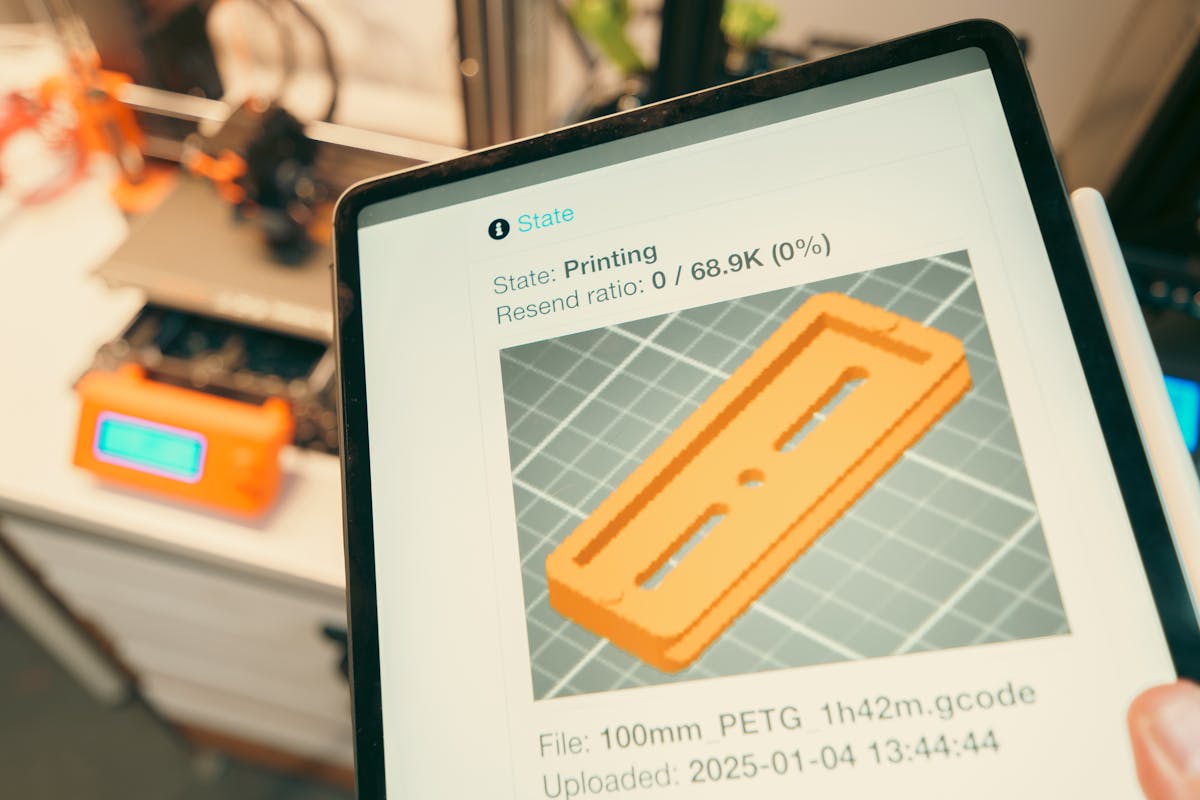
“I want to create my own 3D designs, but I don’t know where to start.” This is one of the most common things people say before their first 3D print order. The good news: you don’t need to spend money or take a course. Three free tools cover everything from absolute beginner to professional level — and you can start designing today.
The Three Tools You Need to Know
There are hundreds of 3D design tools available, but for someone starting from zero in India, three stand out: Tinkercad for absolute beginners, Fusion 360 for aspiring engineers and product designers, and Blender for creative and artistic work. Here’s what each one does and who it’s for.
1. Tinkercad — The Perfect Beginner’s Tool
Tinkercad is a free, browser-based 3D design tool made by Autodesk. It requires no installation, no powerful computer, and no prior experience. If you can use a mouse and a browser, you can design in Tinkercad.
The interface is based on simple shapes (cubes, cylinders, spheres) that you combine, subtract, and arrange to build more complex objects. It’s genuinely intuitive — most beginners can create a functional object within an hour of their first session.
Best for:
- Complete beginners with no prior design experience
- Simple functional objects (name plates, holders, brackets, keychains)
- Quick ideas you want to test and print fast
- Students and hobbyists
- Designing on a low-spec computer or even a tablet
Getting started:
Go to tinkercad.com, create a free Autodesk account, and click “Create new design”. Autodesk’s built-in tutorials take you through the basics in under 30 minutes. By the end, you’ll be able to create a custom name plate or simple holder ready to export as STL.
Limitations:
Tinkercad’s simplicity is also its ceiling. Complex curved surfaces, organic forms, and precision engineering are difficult or impossible in Tinkercad. Once you outgrow it, move to Fusion 360 or Blender.
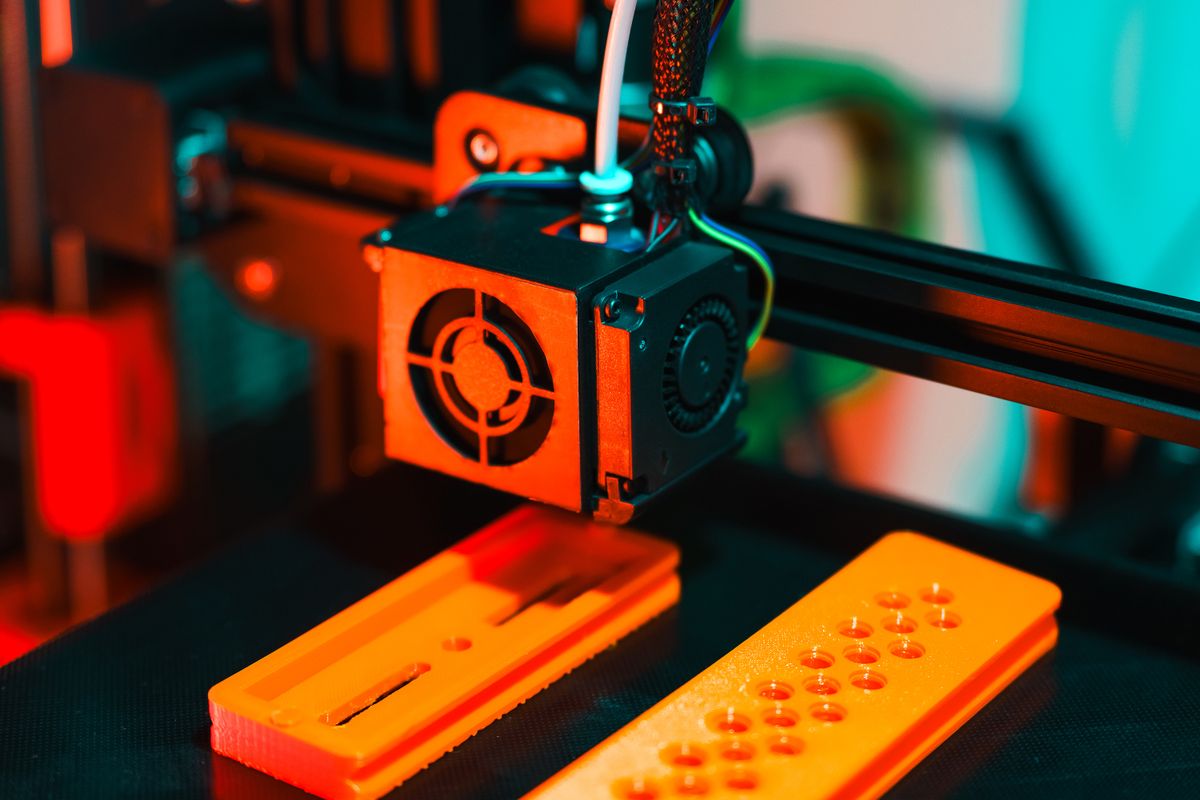
2. Fusion 360 — Professional-Grade, Free for Hobbyists
Fusion 360 is Autodesk’s professional CAD (Computer-Aided Design) and CAM software. It’s used by engineers, product designers, and manufacturers worldwide. Importantly, it’s free for personal, non-commercial use — which makes it extraordinary value for beginners in India who want to create precise, functional designs.
Fusion 360 uses parametric modelling — meaning every dimension is defined numerically and can be changed at any time. This is ideal for engineering parts, mechanical components, and any design where exact measurements matter.
Best for:
- Engineering students and professionals
- Mechanical parts, brackets, housings, and enclosures
- Designs where precise dimensions are critical
- Product design and prototyping
- Anyone who wants to progress beyond Tinkercad
Getting started:
Download from autodesk.com/fusion360 and register for a free personal licence. Autodesk has an excellent tutorial library. The learning curve is steeper than Tinkercad — expect 5–10 hours of practice before you’re comfortable — but the payoff in design capability is enormous.
Limitations:
The free personal licence has some feature restrictions for commercial use. Organic and artistic modelling (character figures, decorative sculptures) is not Fusion 360’s strength — use Blender for those.
3. Blender — The Creative Powerhouse
Blender is a free, open-source 3D modelling, animation, and rendering tool. It’s used professionally for animated films, game assets, visual effects, and increasingly for 3D printing — especially for organic, artistic, and highly detailed designs that would be impossible in traditional CAD software.
Blender’s sculpting tools let you work as if you’re moulding digital clay — perfect for figurines, character models, jewellery, and decorative objects with natural, flowing forms.
Best for:
- Artistic and organic designs (figurines, sculptures, jewellery)
- Character models and miniatures for tabletop gaming
- Decorative objects with complex curved surfaces
- Designers with a creative/artistic background
- Anyone who wants full control over every surface
Getting started:
Download free from blender.org. Be warned: Blender has the steepest learning curve of the three. Start with the official Blender tutorials and YouTube channels like Blender Guru. Expect 20–30 hours of practice before you produce print-ready models. The investment pays off richly for creative designers.
Which Tool Should You Start With?
| Your Goal | Start With |
|---|---|
| I want to design my first print as quickly as possible | Tinkercad |
| I’m an engineering/tech student or professional | Fusion 360 |
| I want to design figurines, jewellery, or sculptures | Blender |
| I want to sell custom name plates and keychains | Tinkercad |
| I want to create precise mechanical parts | Fusion 360 |
| I want to make tabletop miniatures or characters | Blender |
| I’m on a low-spec computer or Chromebook | Tinkercad (browser-based) |
From Design to Print in India
Once your design is ready, export it as an STL file and upload it to JustPrint.io to get an instant quote. Your design will be printed in your chosen material and delivered anywhere in India — typically within 3–5 business days from design to doorstep.